2
2. Hardware Installation
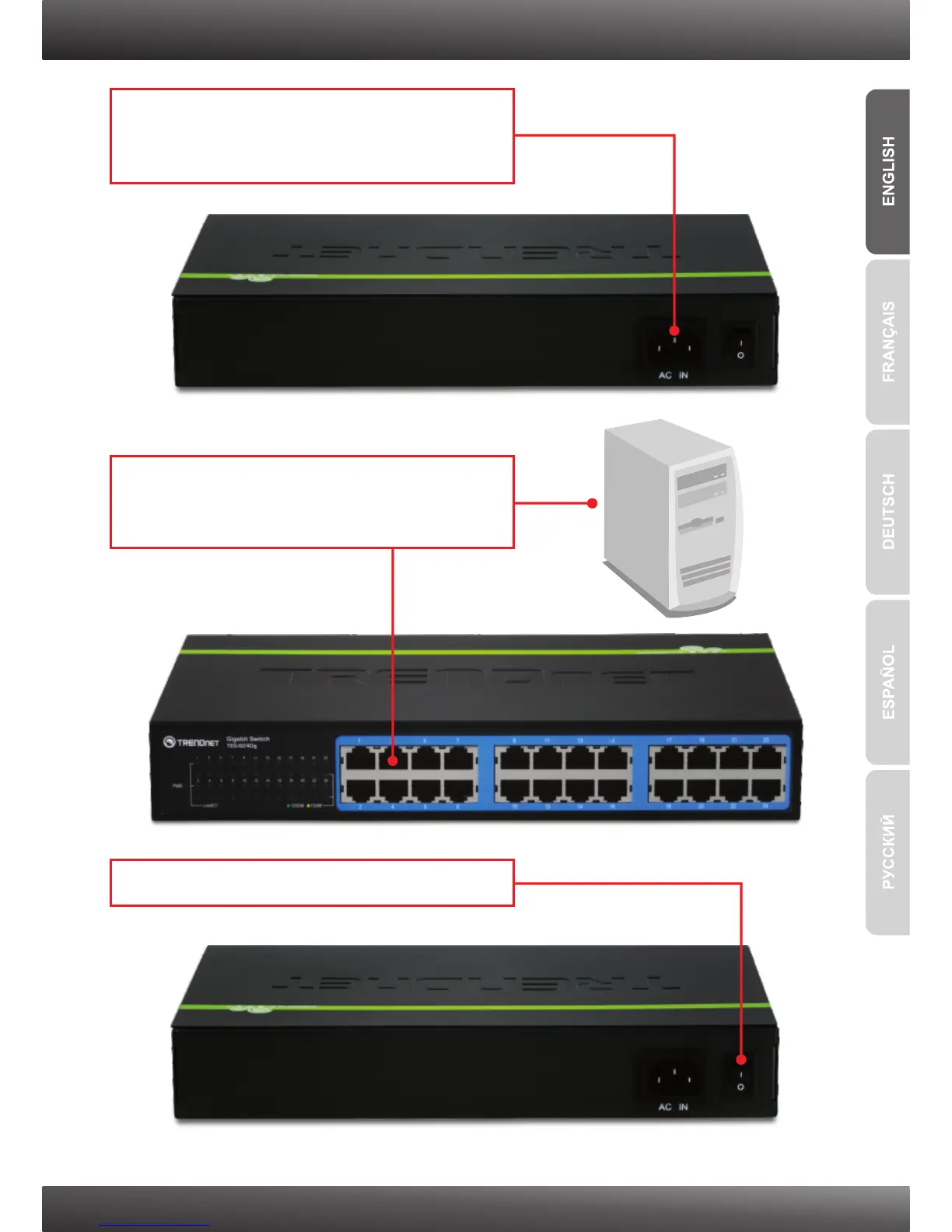
1. Connect the Power Cord to the
TEG-S16Dg/TEG-S24Dg and then to a power
outlet.
2. Connect a Cat.5e or Cat.6 RJ-45 network
cable from the computer to an available
Ethernet port on the TEG-S16Dg/TEG-S24Dg.
3. Move the power switch to the on position.



 To Next Page