EasyManua.ls Logo

TRENDnet TEG-S50G - User Manual

TRENDnet TEG-S50G
20 pages
Print Icon
To Next Page IconTo Next Page
Loading...
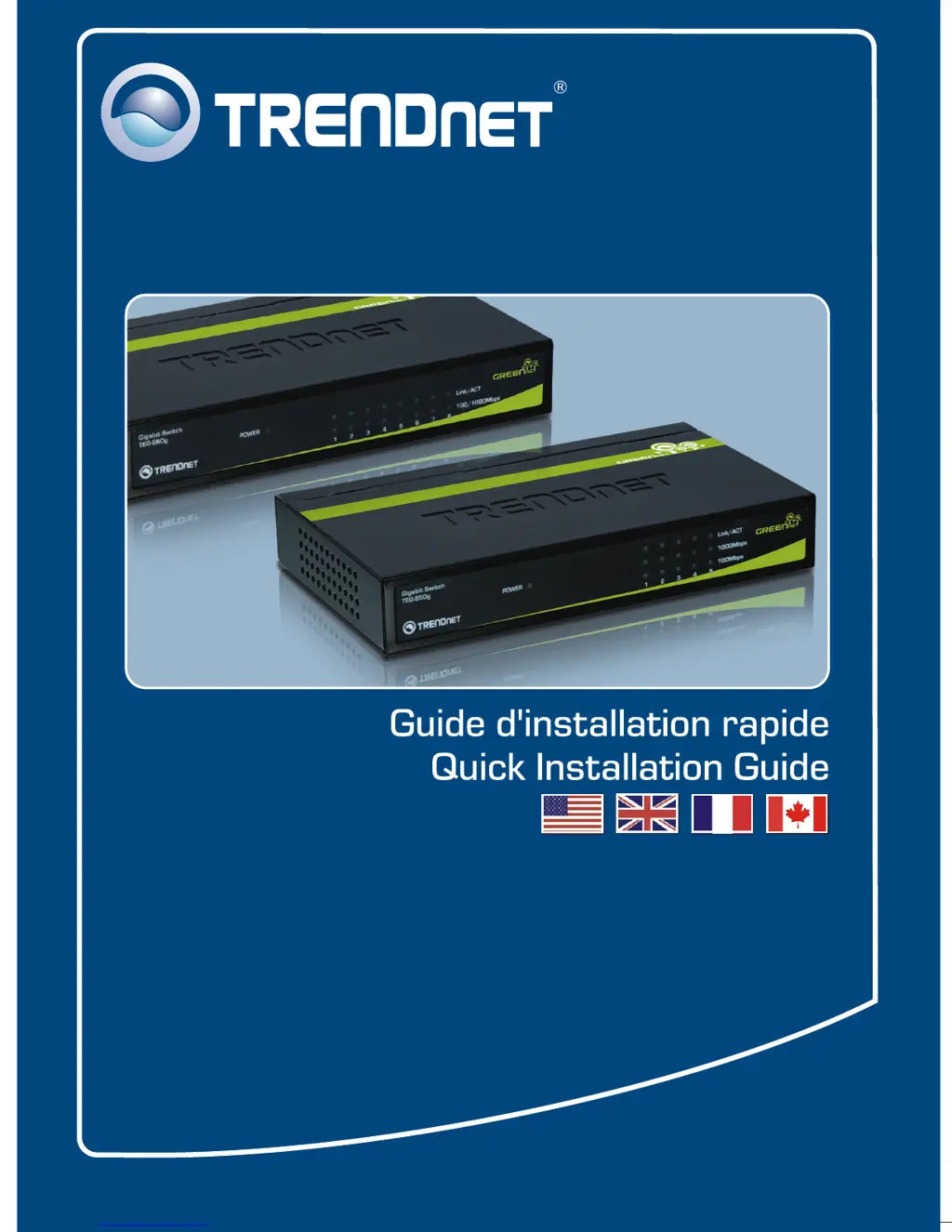
TEG-S50g
TEG-S80g
H/W: V1

Other manuals for TRENDnet TEG-S50G

Questions and Answers

  • N
    Nicole YoungAug 10, 2025
    How to fix file sharing issues after connecting PCs to a TRENDnet TEG-S50G Switch?
    • J
      jeffreyzhangAug 10, 2025
      First, check the LEDs on the TRENDnet Switch to ensure the Link/ACT LED is on. Second, make sure the network cable is between 1.5 and 100 meters in length. Third, disable any software firewall programs. Fourth, verify that you have file sharing enabled.
  • C
    Carlos GrahamAug 18, 2025
    What to do if TRENDnet Switch LEDs don't turn on after connecting to power?
    • C
      Claire GonzalesAug 18, 2025
      Check the connection of the external power adapter to both the TRENDnet Switch and the power outlet. Also, ensure that the power outlet is receiving power.
  • M
    Michael RamirezAug 25, 2025
    Why can only one computer access the internet when connected to a TRENDnet TEG-S50G Switch?
    • J
      James EatonAug 26, 2025
      The TRENDnet Switch is not designed to share an internet connection between multiple computers. To share the internet, you will need an internet router.
  • K
    Kathleen KaufmanSep 2, 2025
    What to do if my TRENDnet TEG-S50G isn't providing Gigabit speeds?
    • J
      Jake HuberSep 2, 2025
      If the 1000Mbps LED is off (TEG-S50g) or the 100/1000Mbps LED is amber or off (TEG-S80g), the computer's connection speed is not Gigabit. Ensure you're using CAT-5e or CAT-6 Ethernet cables, as some CAT-5 cables may not support Gigabit speeds. Also, verify that your computer has a Gigabit Ethernet adapter installed.

Summary

Before You Start

Application

Hardware Installation

LEDs

Technical Specifications

Troubleshooting

Limited Warranty

Certifications

TRENDnet TEG-S50G Specifications

General IconGeneral
Switch TypeUnmanaged
Switching Capacity10 Gbps
Forwarding Rate7.44 Mpps
Jumbo Frame Support9 KB
MAC Address Table2K
Ports5 x 10/100/1000Mbps
Dimensions105 x 64 x 22 mm
Operating Temperature0 – 40 °C (32 – 104 °F)
Power SupplyExternal power adapter (5V DC)

Related product manuals