18
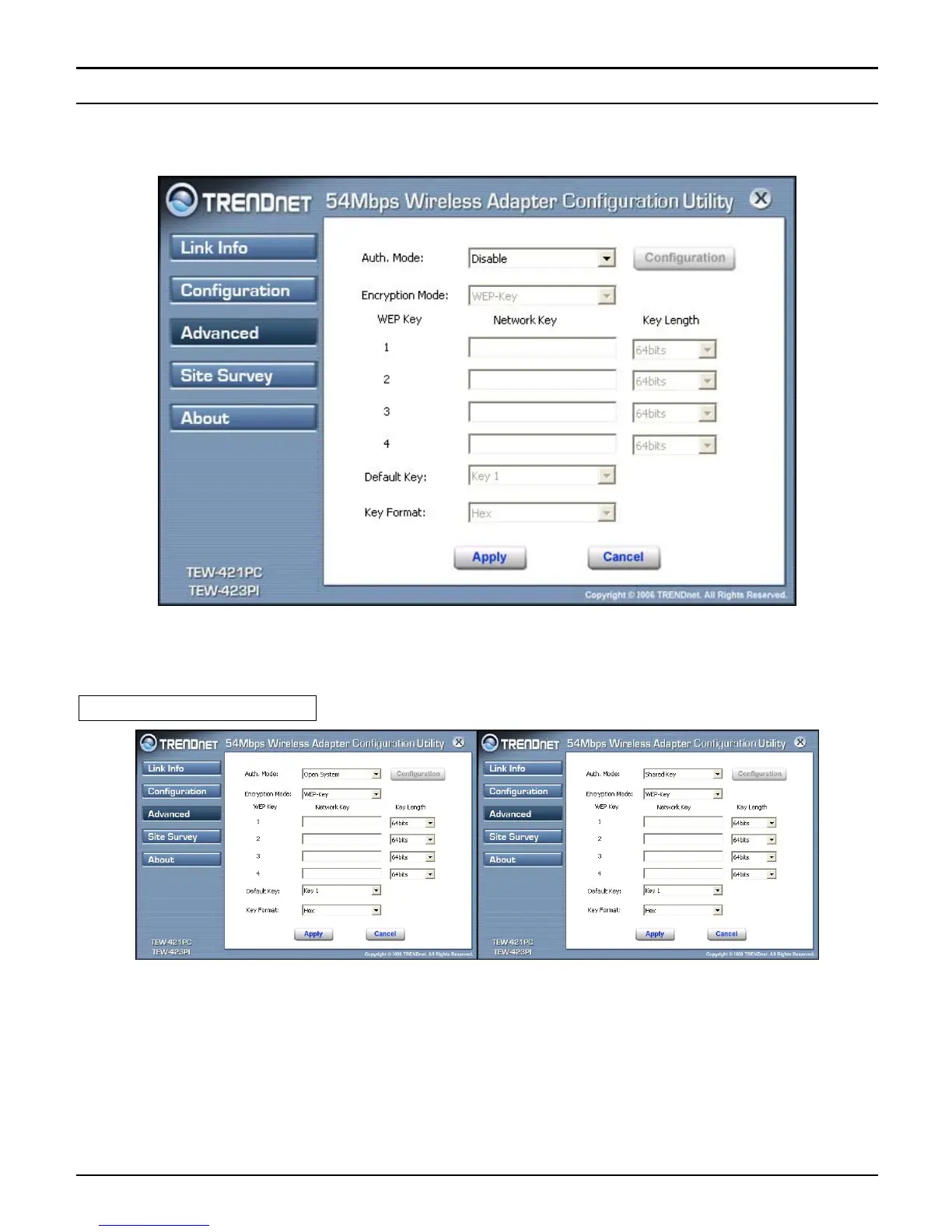
Advanced
This screen is where you configure the Security settings for the 54Mbps IEEE
802.11g Wireless LAN Adapter.
Auth Mode: Select the authentication type from drop down list for Disable, Open
System, Shared Key, WPA, WPA-PSK, WPA2 and WPA2-PSK.
Open System / Shared Key
WEP Key 1~4: choose the encryption way, either in HEX or ASCII formats, and
enter the password in the blank space.



 To Next Page