EasyManua.ls Logo

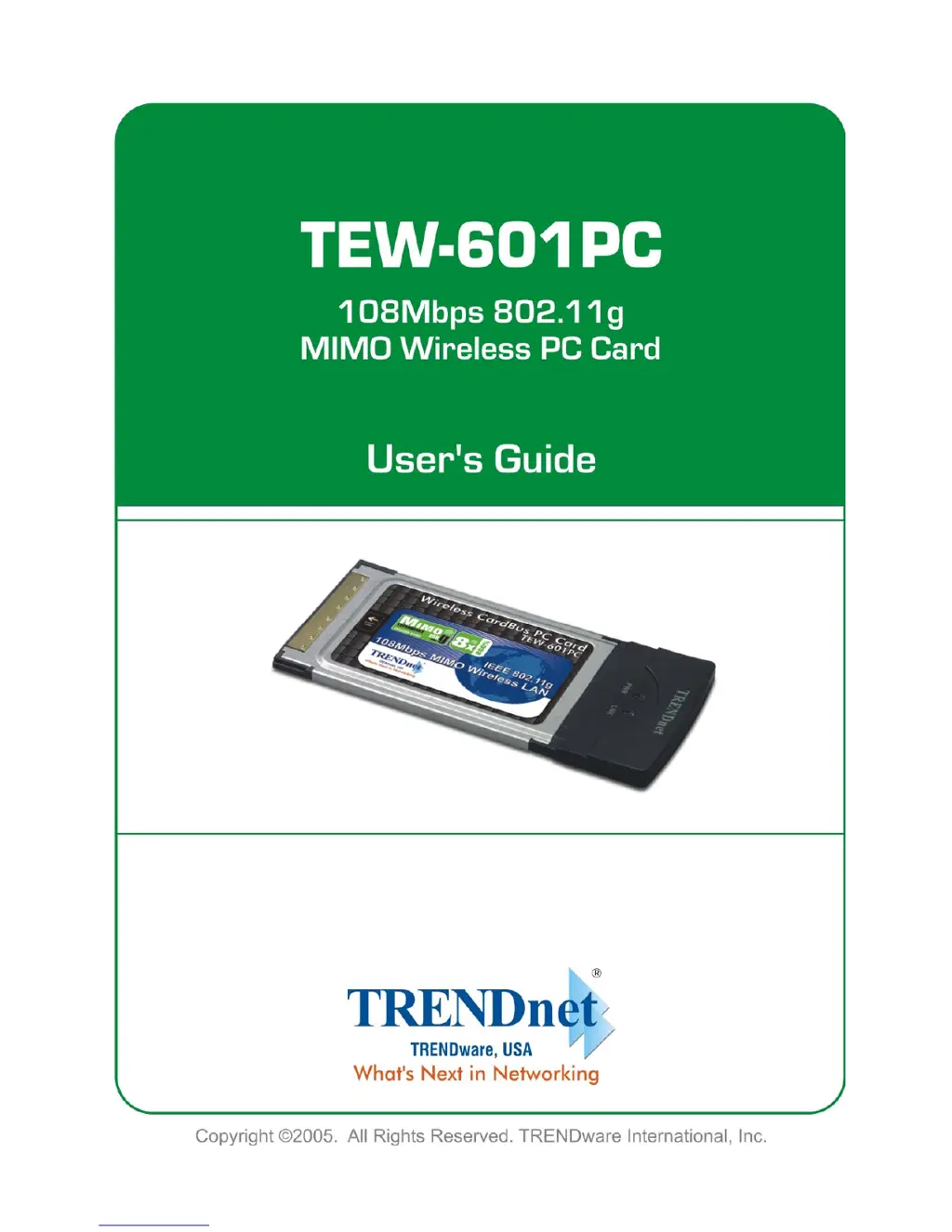
TRENDnet TEW-601PC - User Manual

TRENDnet TEW-601PC
43 pages
Print Icon
To Next Page IconTo Next Page
Loading...

Other manuals for TRENDnet TEW-601PC

Questions and Answers

  • J
    Jonathan McgrathAug 11, 2025
    What to do if TRENDnet TEW-601PC Computer Hardware shows disconnected in the status bar?
    • C
      Chad Ferguson Jr.Aug 11, 2025
      If the TRENDnet Computer Hardware shows 'Disconnected' in the Status Bar, indicating an authentication failure, ensure that your AP/Router settings match those of your client adapter. Adhere to your AP/Router's security configurations.
  • C
    Christian BassAug 16, 2025
    What to do if TRENDnet TEW-601PC link quality is poor?
    • I
      isimmonsAug 16, 2025
      If the link quality or signal strength of your TRENDnet Computer Hardware is consistently poor, try the following: * Use the Site Survey screen to find and connect to an AP with better link quality. * Change the channel used by your AP. * Move your computer closer to the AP or peer computer(s) to reduce the distance. * Identify and relocate or reduce any radio interference (such as microwaves or other APs using the same channel) that may be affecting your wireless network.
  • K
    Kimberly ChavezAug 22, 2025
    What to do if TRENDnet Computer Hardware LED PWR and LINK are on but cannot connect to network?
    • J
      jamie09Aug 23, 2025
      If the PWR and LINK LEDs are on but your TRENDnet Computer Hardware cannot send or receive data and connect to the network, ensure that your AP/Router settings match those of your client adapter and follow your AP/Router’s security settings.
  • L
    Larry RobinsonAug 29, 2025
    How to troubleshoot TRENDnet TEW-601PC Computer Hardware ad-hoc connection?
    • P
      paul51Aug 29, 2025
      To troubleshoot Ad-Hoc connection problems with your TRENDnet Computer Hardware: * Verify that the peer computer(s) is turned on. * Ensure the TEW-601PC and peer computer(s) are using the same SSID and channel. * Confirm that the computer and peer computer(s) share the same security option and key. * If there's high interference, try changing the wireless channel.
  • S
    Stephanie LeonardSep 3, 2025
    What to do if Windows does not detect TRENDnet TEW-601PC?
    • M
      monica32Sep 3, 2025
      If Windows doesn't automatically detect the TRENDnet TEW-601PC: * Ensure the TEW-601PC power switch is off, properly insert it into the PCMCIA slot, and restart your computer. * Perform a hardware scan via Start, Settings, Control Panel, and Add/Remove Hardware (steps may vary by Windows version). Follow the prompts to find the TEW-601PC and install the driver. * Check for hardware conflicts via Start, Settings, Control Panel, System, Hardware, and Device Manager. Verify the TEW-601PC's status under Network Adapters (steps may vary by Windows version). * Try installing the TEW-601PC in another computer to rule out a hardware problem. If the issue persists, contact your local dealer.

TRENDnet TEW-601PC Specifications

General IconGeneral
BrandTRENDnet
ModelTEW-601PC
CategoryComputer Hardware
LanguageEnglish

Related product manuals