Installing your Wireless Adapter
This section describes how to install the software driver for the wireless adapter.
Windows® OS Installation
Supported operating systems: Windows® 10, 8.1, 8, 7, Vista, XP
For any updates, please check the TRENDnet website www.trendnet.com.
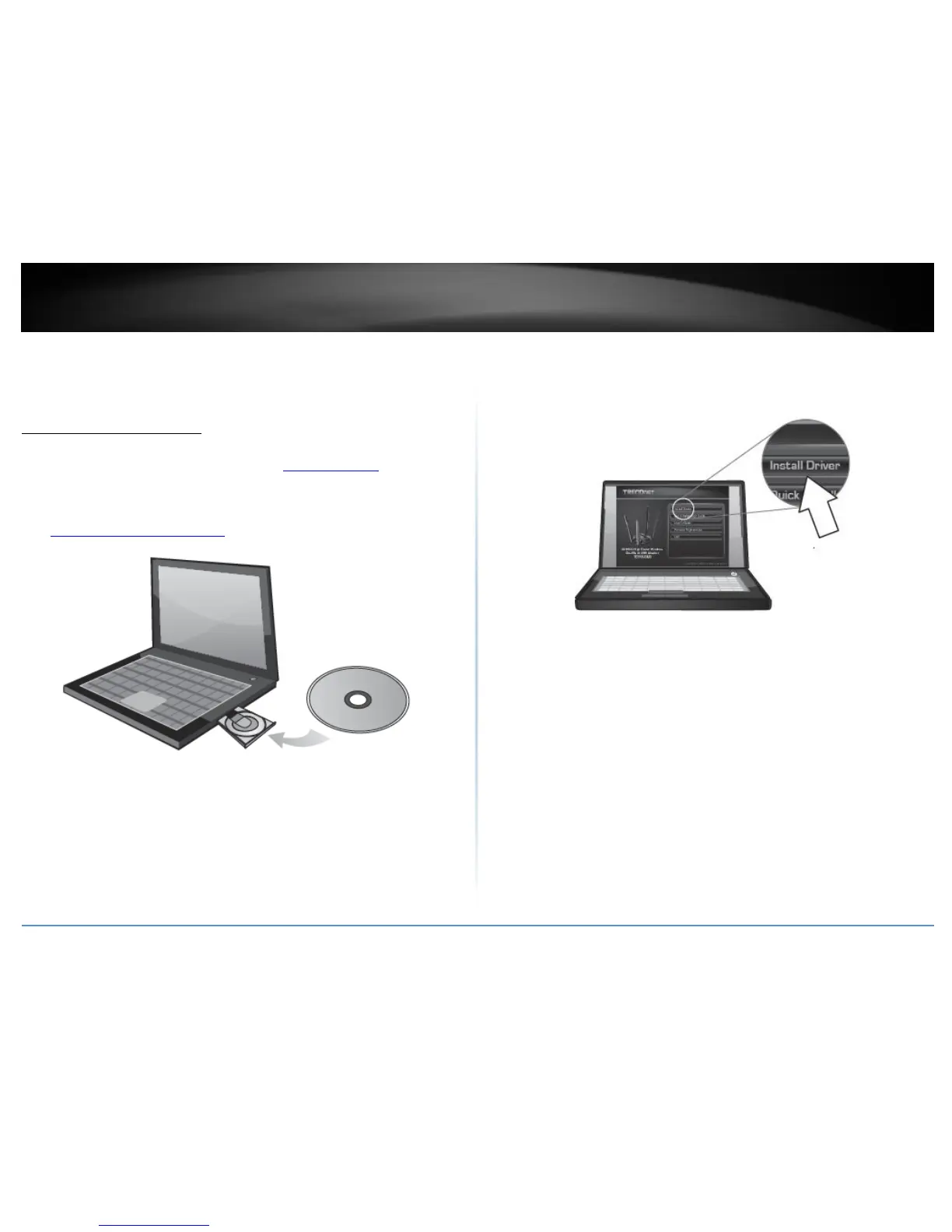
1. Insert the included CD-ROM into your computer’s CD-ROM drive.
Note: If you do not have the included CD-ROM, you can download the utility and drivers
from http://www.trendnet.com/support/.
2. At the CD Autorun Prompt window, click Run Autorun.exe.
Note: If the Autorun prompt does not appear automatically, open the CD contents and
double-click Autorun.exe.
At the CD-ROM main menu, click Install Drivers.









 To Next Page