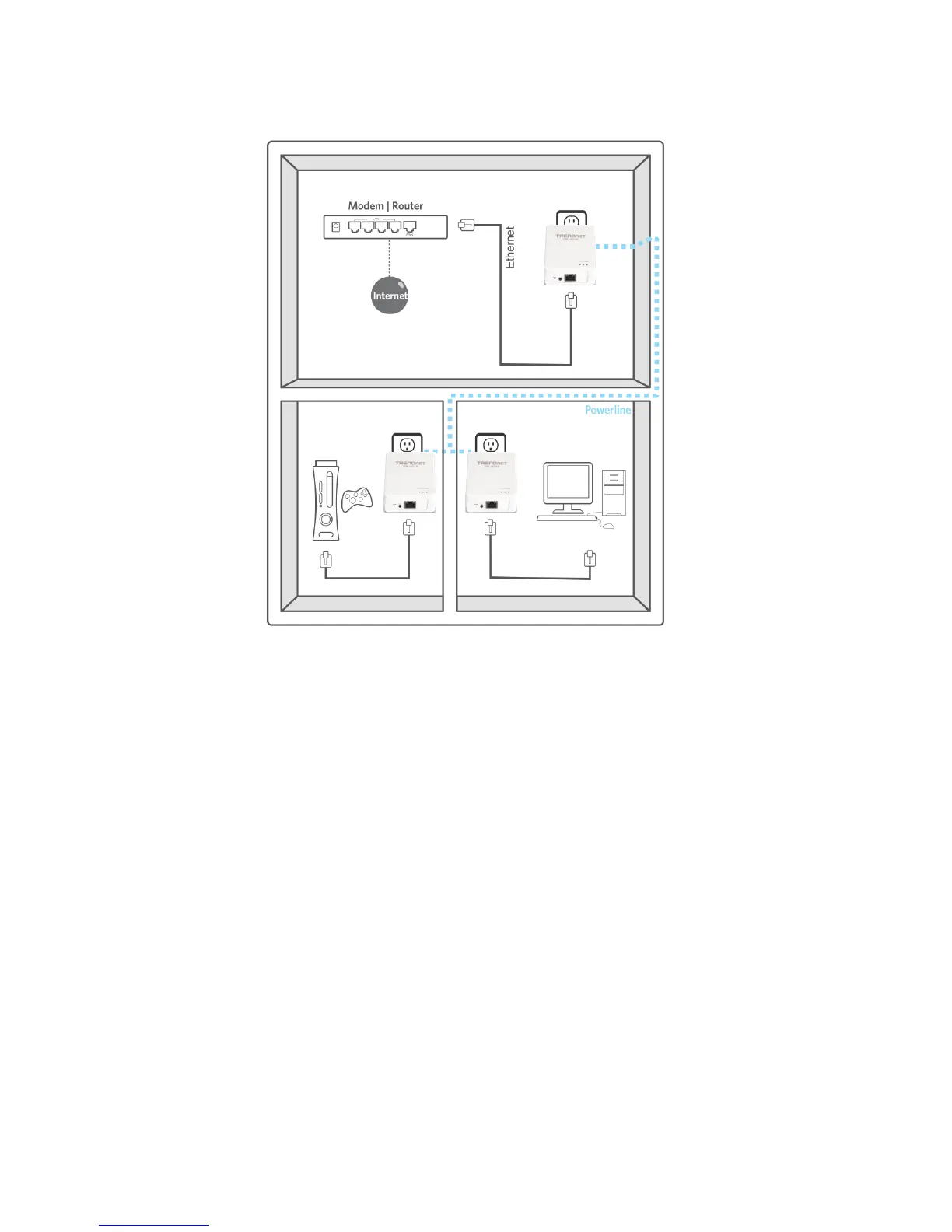
2.2 Securing your Powerline Network
The TPL-401E 500Mbps Powerline AV Adapter has a default network name/security key
assignment of “HomePlugAV”. When connecting a pair of TPL-401E powerline adapters, both
powerline adapters will be assigned the default network/security key which allows the TPL-401E
powerline adapters to establish connectivity through your home or small office’s electrical
system without the need for additional software or configuration. For added security, the default
network name/security key can be modified using the TPL-401E Sync button covered in the
following section or through the use of the Powerline Configuration Utility in Chapter 4.
Note: The default network name/security key assigned to the TPL-401E is “HomePlugAV”. All powerline adapters
in the same powerline network must have the same network name/security key in order to establish connectivity. .
If the network name/security keys are not the same for all powerline adapters on the same powerline network, the
adapter will NOT establish connectivity. TRENDnet Powerline AV models TPL-303E, TPL-304E, TPL-305E, TPL-
310AP, and TPL-401E all have the same default network name/security key assignment of “HomePlugAV”.












 To Next Page