© Copyright 2018 TRENDnet. All Rights Reserved.
Powerline Utility – Detailed View
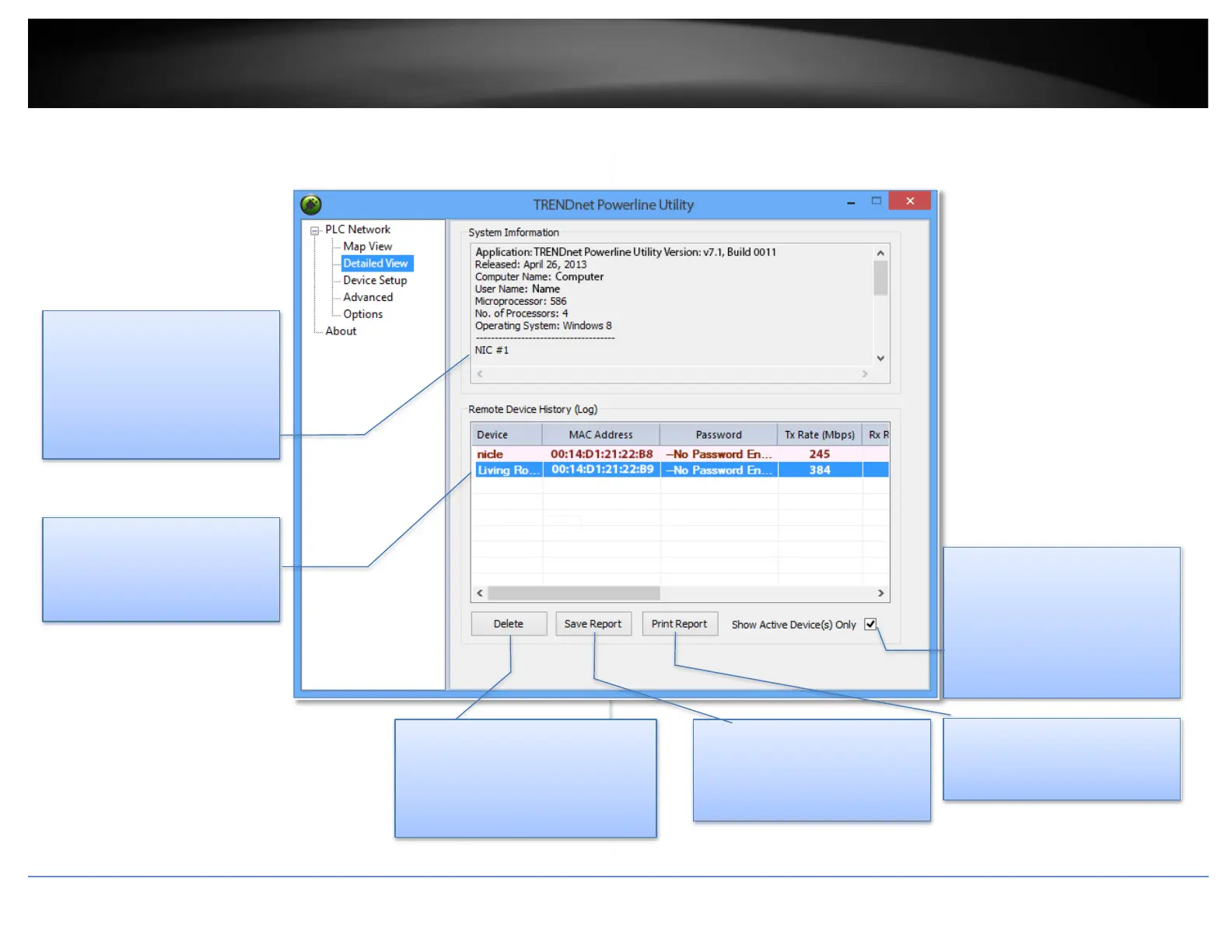
System Information
System Information section
shows this utility version, your
computer information, and
network adapters installed on
your computer.
Remote Devices
Powerline adapters in remote
locations connect to your
network are shown here.
Delete
Delete the device from status
report (Un-select auto scan in
About section to prevent
deleting).
Save Report
Click this button to save above
information for later use.
Show Active Device(s)
Only
Unchecking this checkbox
displays all device information
on the network, even if the
adapter is not in an active state.
Print Report
Click this button to print
Remove device history log.
Manage your report
Highlight the device by clicking the row and
click buttons below to manage.
* DPW (Device Password) is shown on the device label














 To Next Page