The Powerline Utility
The Powerline Utility allows you doing following jobs:
1. Create a customized network name for your powerline network and apply it to
multiple Powerline adapters at the same time.
2. View Powerline adapters connected to your network (using the MAC address)
and the approximate connection quality and speed of each Powerline adapter.
3. View and upgrade Powerline adapter firmware.
Note: Link speed displayed in the utility of your Powerline adapters to another
through your electrical system is estimated. Actual link speed may vary.
Powerline Utility System Requirements
• Windows® 10, 8.1, 8, 7, Vista, XP
• Microsoft® .NET Framework 3.5 installed
Software Installation
1. Insert the included CD-ROM into your computer’s CD-ROM drive.
2. At the CD Autorun Prompt window, click Run Autorun.exe
Note: If the Autorun prompt does not appear automatically, open the CD
contents and double-click Autorun.exe.
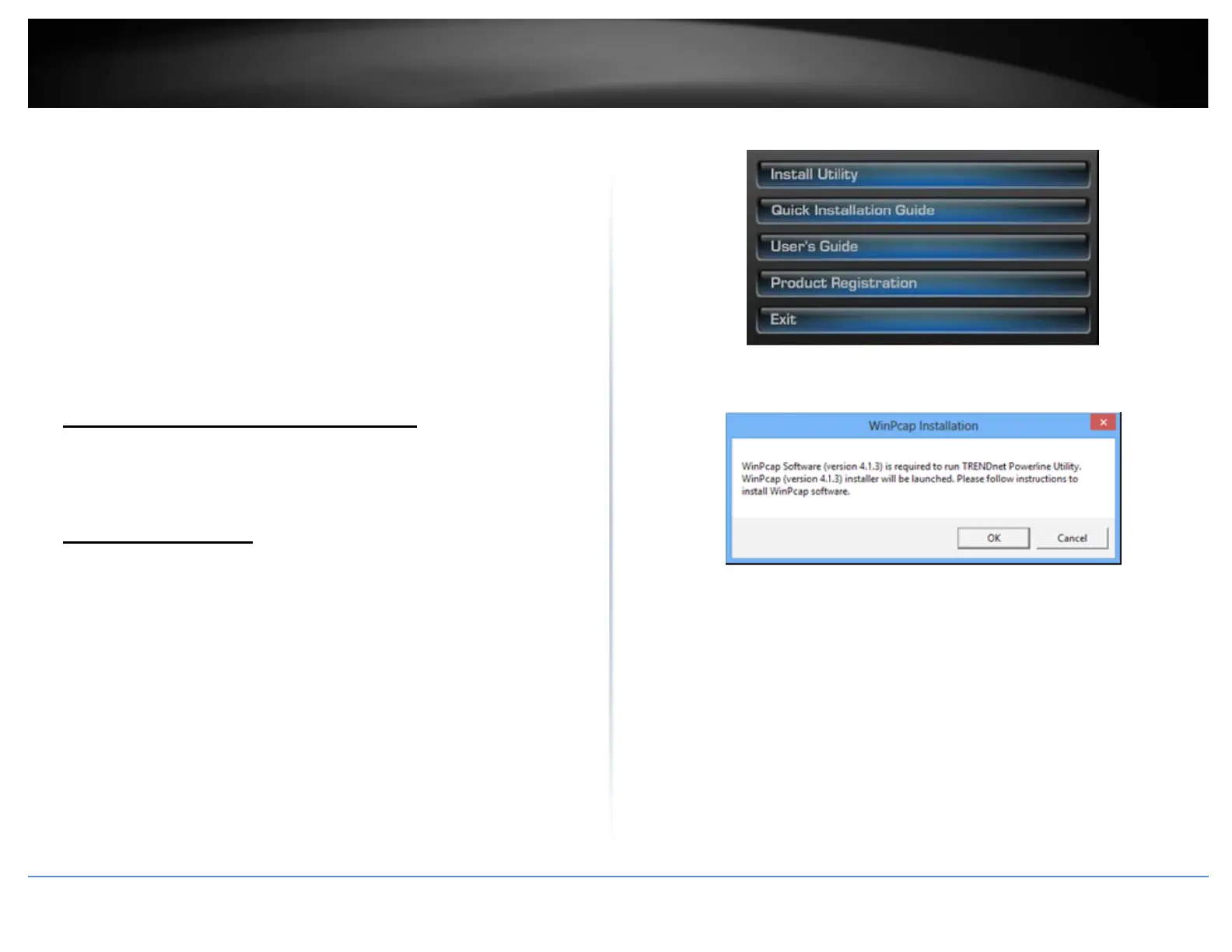
3. At the CD-ROM main menu, click Install Utility.
The installer will check if you have a previous WinPcap utility.
4. Click OK.
Note: The Powerline Utility requires WinPcap as a base application. If this prompt does
not appear, you may already have the WinPcap application installed. Windows 8 require
WinPcap 4.1.3. Windows 7 and older will work with previous versions of WinPcap. If you
have installed a previous version of WinPcap, please uninstall it manually. And then,
start the installation from the beginning.














 To Next Page