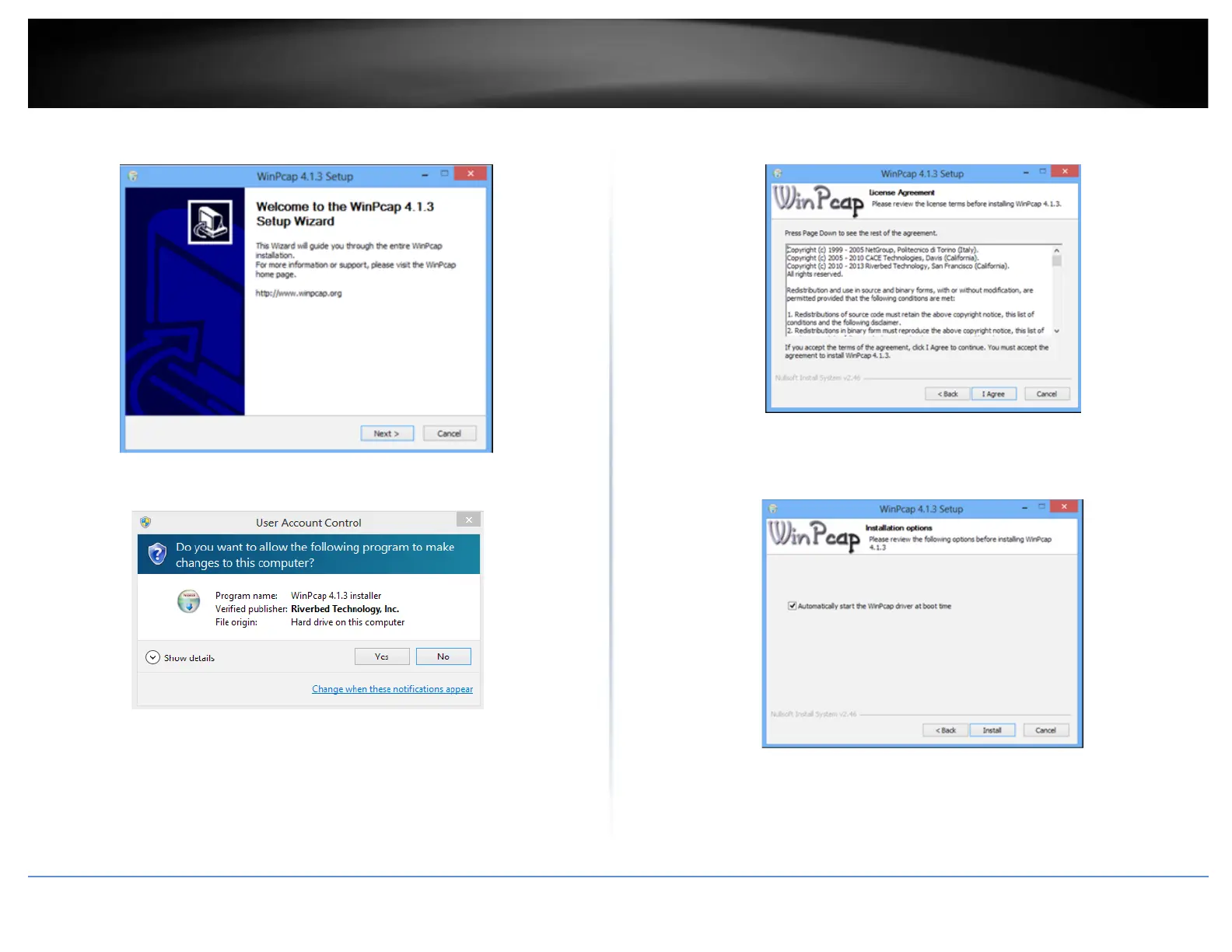
5. At the WinPcap installer window, click Next.
6. Click Yes to allow installation.
7. Review the license agreement and click I Agree.
8. In the Installation Options window, leave the Automatically start the WinPcap driver
at boot time checked and click Install.














 To Next Page