EasyManua.ls Logo

TRENDnet TPL-422E - Powerline Utility - Options

TRENDnet TPL-422E
26 pages
Print Icon
To Next Page IconTo Next Page
To Previous Page IconTo Previous Page
Loading...
© Copyright 2018 TRENDnet. All Rights Reserved.
TRENDnet User’s Guide
TPL-422E / TPL-422E2K
18
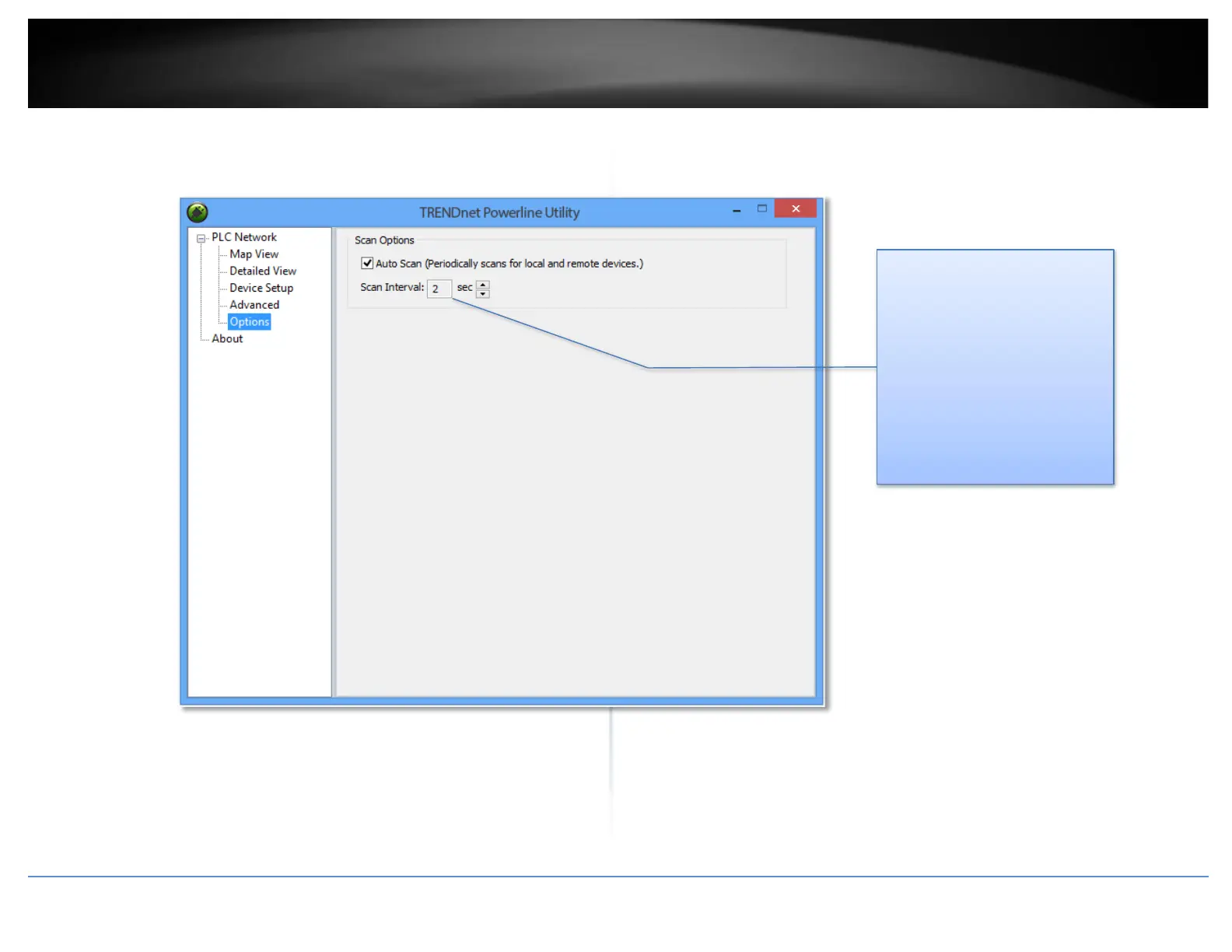
Powerline Utility Options
Scan Options
By default, the Powerline
Utility scans adapters attached
to the network every 2
seconds. You can change the
scanning frequency from 2
seconds up to 60 seconds or
stop auto scan. You can then
scan devices manually by
clicking Scan button in Map
View.


Other manuals for TRENDnet TPL-422E

Related product manuals