10
USB Server User Manual
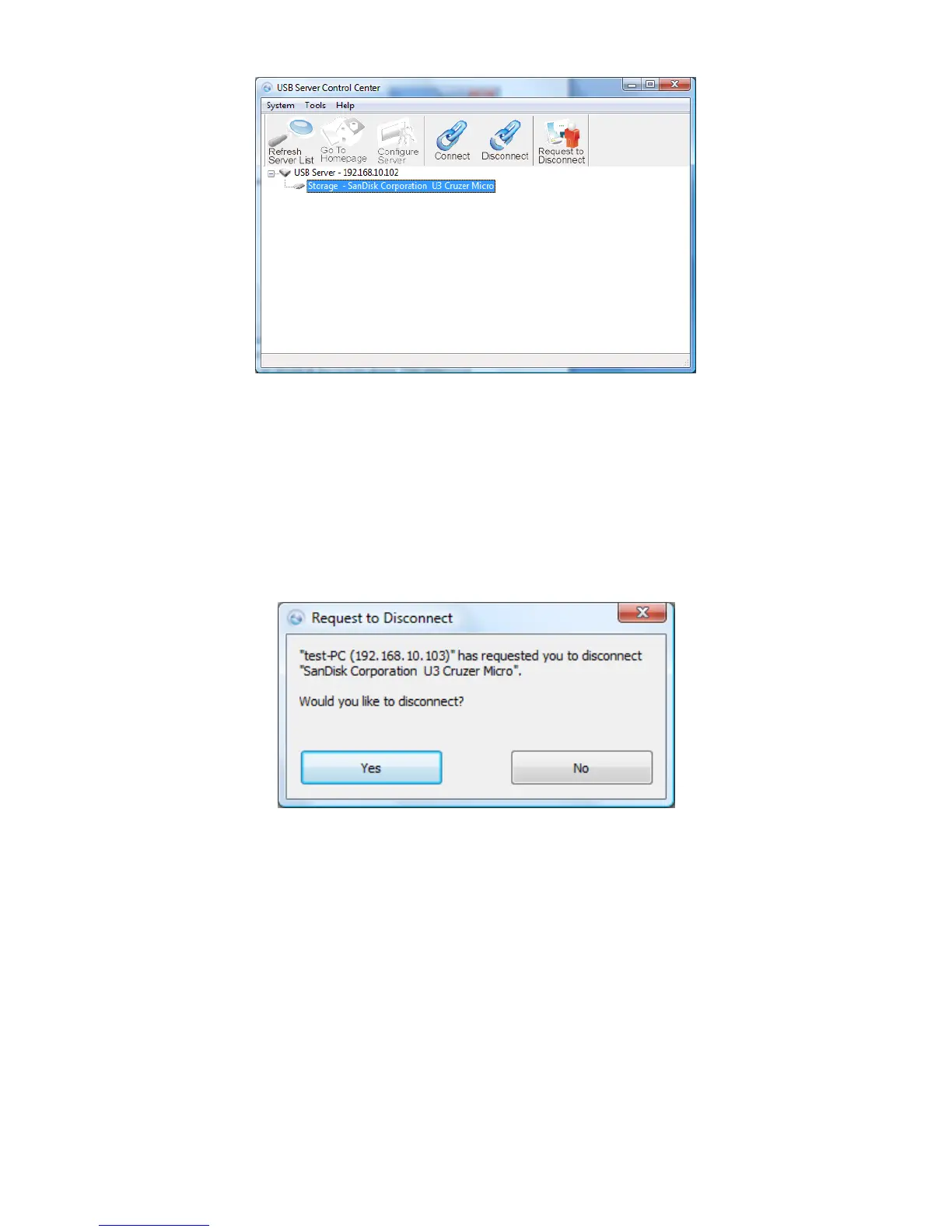
Connect: Select the USB device listed on the utility and click to
establish connection.
Disconnect: Select the connected USB device and click to properly
disconnect the USB device.
Request to Disconnect: Click when another user is connected to the
USB device. The other user will receive notification of your request.
Yes: Click Yes if you would like to properly disconnect to the USB
device and allow other user’s to establish connection
No: Click to deny connection request.



 To Next Page