11
USB Server User Manual
Configuration with Web-based UI
Your default web browser will pop up and take you into the web-based
configuration UI of the server.
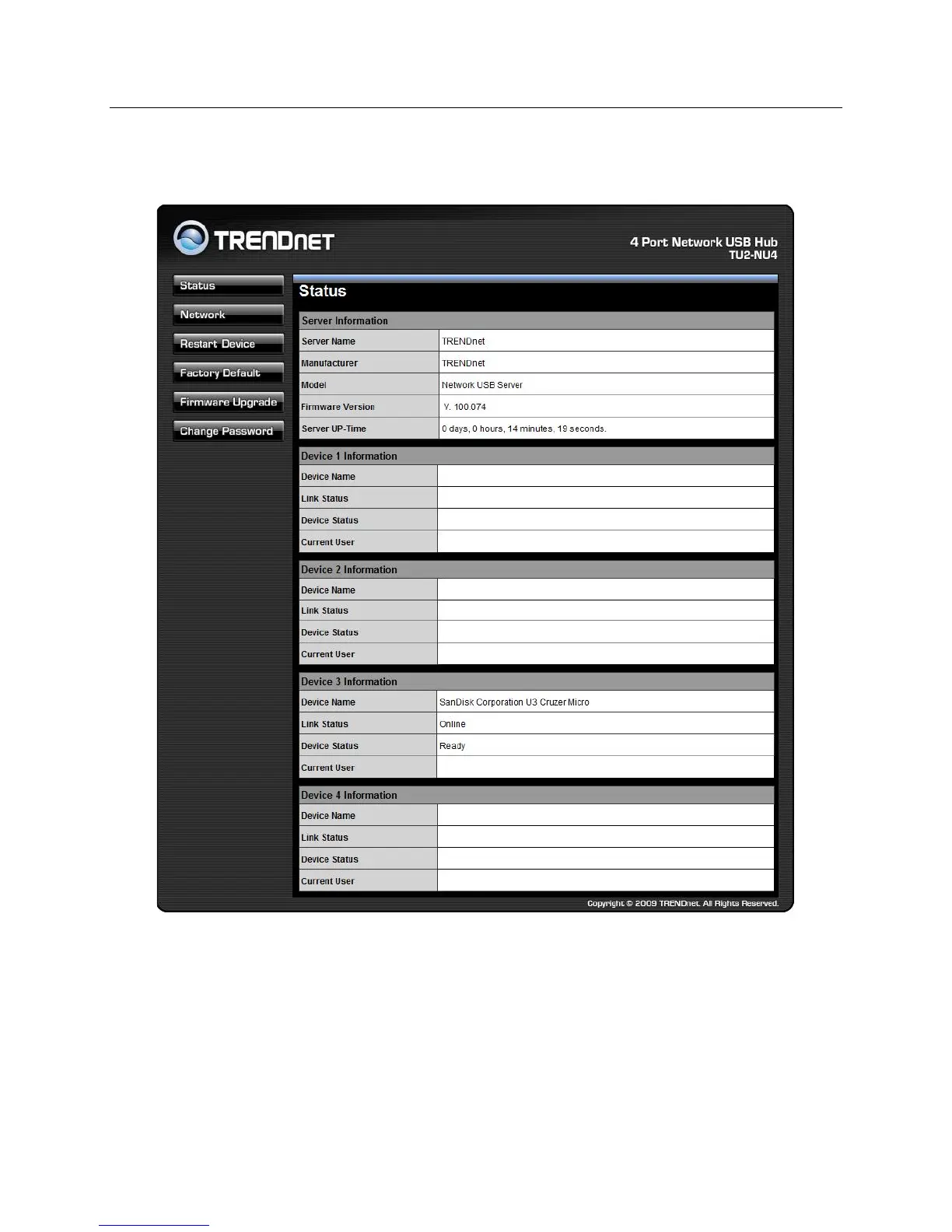
This is the main page of the configuration UI. You can see the important
information about the USB Server and the device(s) connected to it. The
6 links at the left-hand side each represents a function. Clicking on
“Device Status” brings you back to this page, and the 5 other links take
you to pages with different functions.



 To Next Page