8
USB Server User Manual
Go to Homepage: Click this option to open the TU2-NU4’s user
interface.
Configure Server: Click this option to configure the TU2-NU4 through
the utility
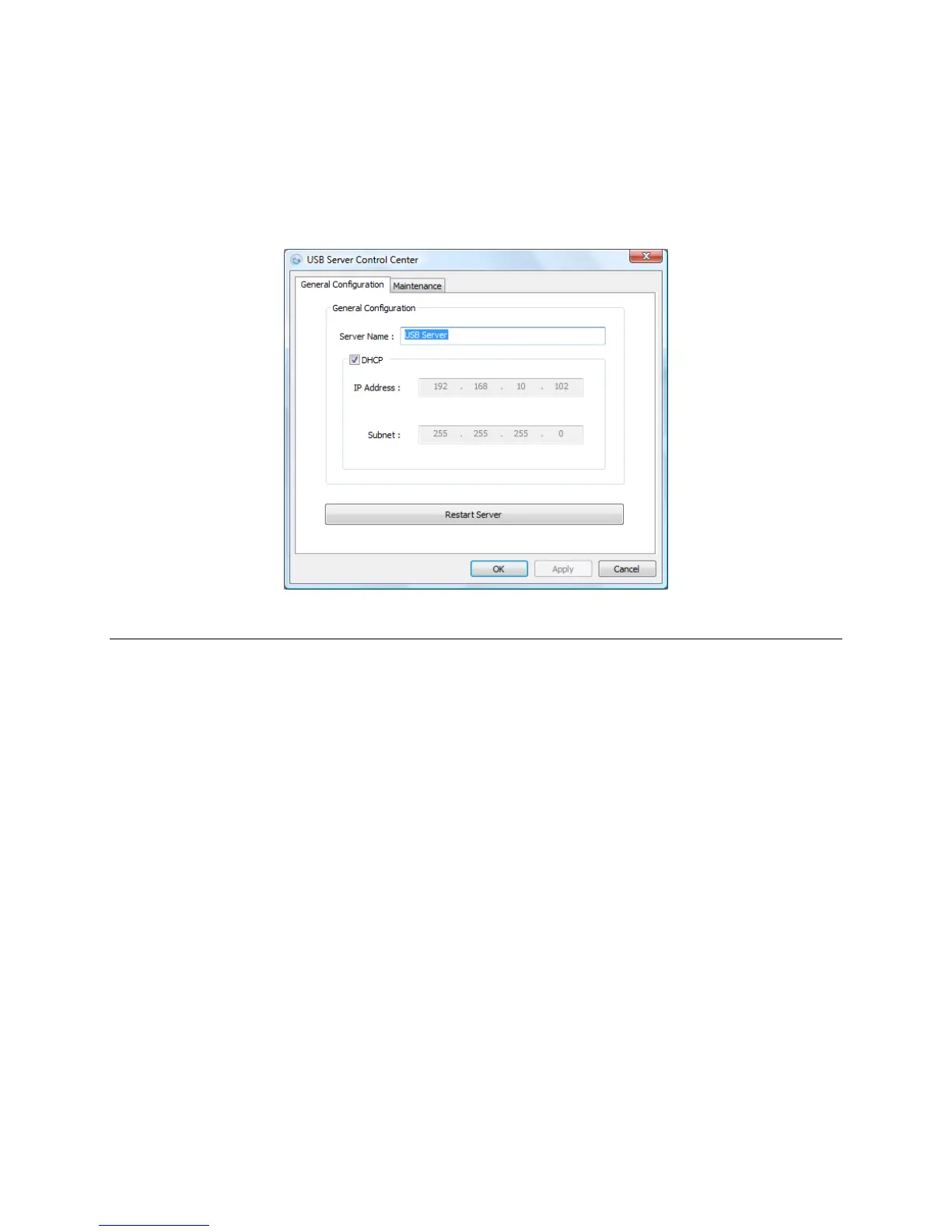
General Configuration
Server Name: Assign the name of the selected USB server and click
OK. This is useful when your network has multiple servers
connected.
DHCP: Enable this option to allow the USB server to obtain DHCP
from a DHCP server. When option is disable, enter the IP
Address and Subnet schemes similar to your networks.
Restart Server: Click this option to reboot the USB server
OK: Click to confirm settings
Apply: Click to apply settings
Cancel: Click to close window



 To Next Page