7
USB Server User Manual
Basic: Check option to have utility automatically run during PC start up
Display: Check this option to display selected server information
Auto Disconnect: Enable this option on the type of devices (USB
storage or USB printers) after idle period. Idle period is set to 3 minutes.
Help
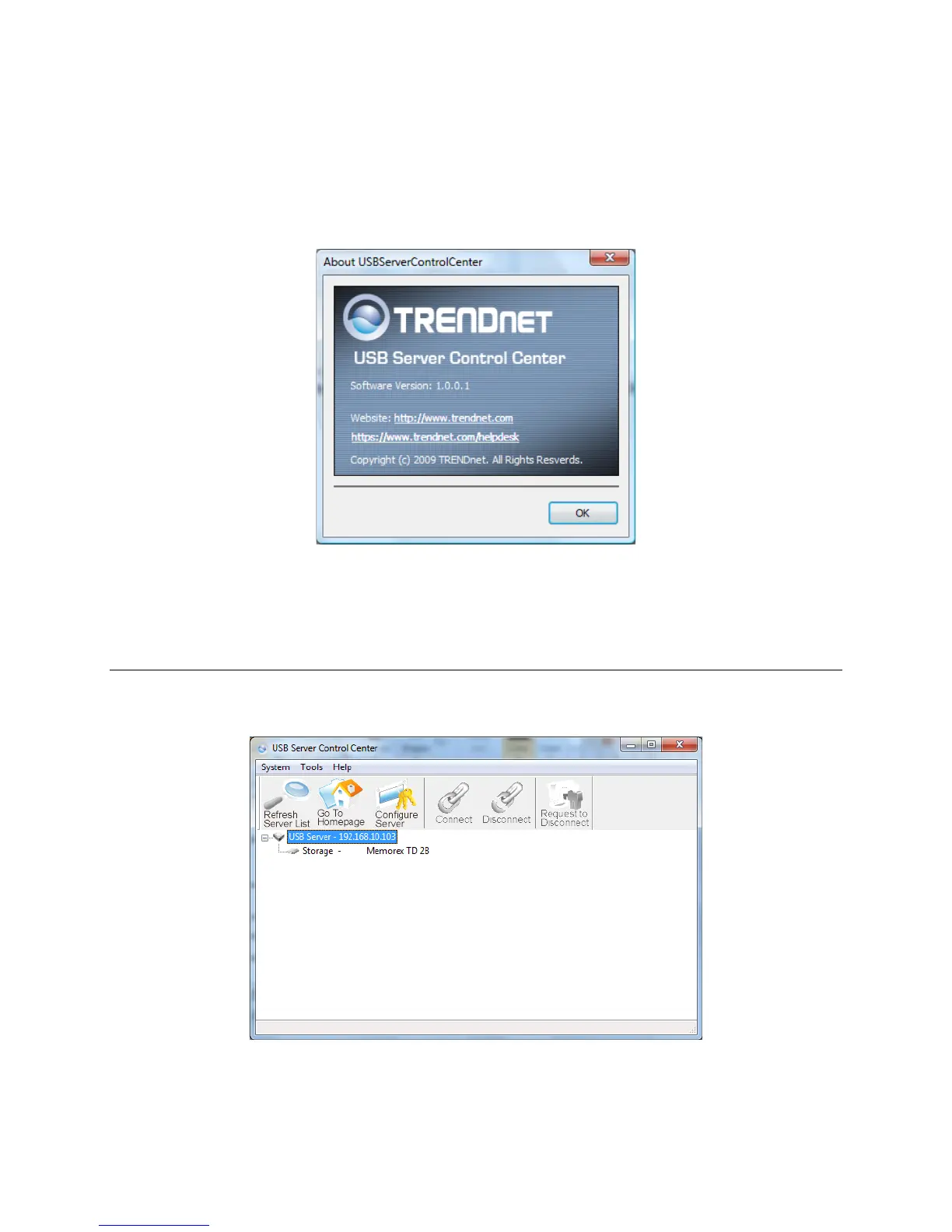
About: Display utility information.
Using the utility for USB Servers
The utility allows you to apply settings changes to the USB server (TU2-
NU4).
Refresh Server List: Click this option for the utility to refresh all
connected servers and all connected USB devices.



 To Next Page