14
USB Server User Manual
Please first click on the “Browse” button to browse to the firmware you
would like to upload and then click on the “Save” button to update the
firmware. You do not need to provide a password for this operation if
there is not password set. Please just leave it blank.
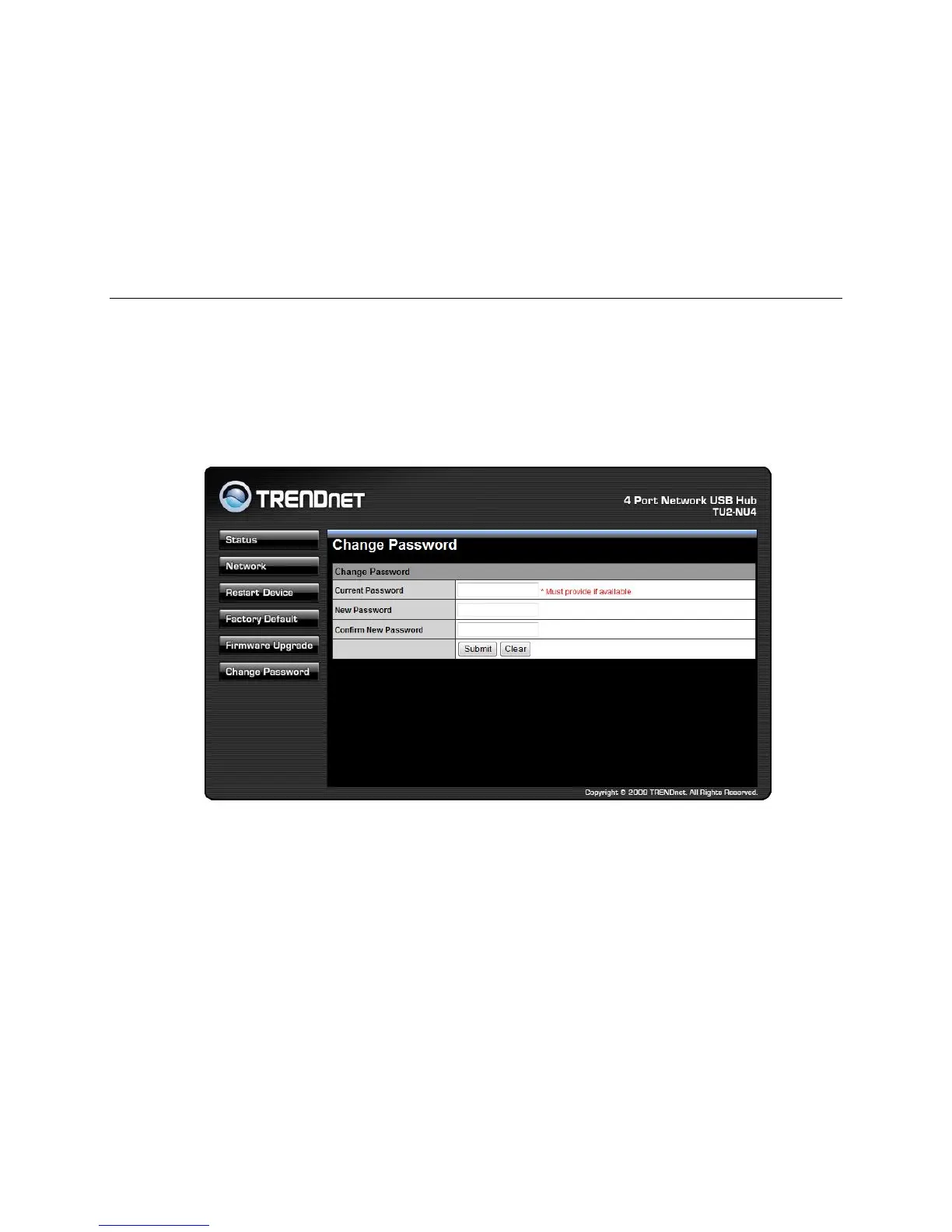
Change Password
This page allows you to link to the password update page below: To
change the password, you must enter current password, input new
password and re-input new password for confirmation and then click on
“Save”. If you are setting the password for the first time, you don’t have
to provide current password.



 To Next Page