12
USB Server User Manual
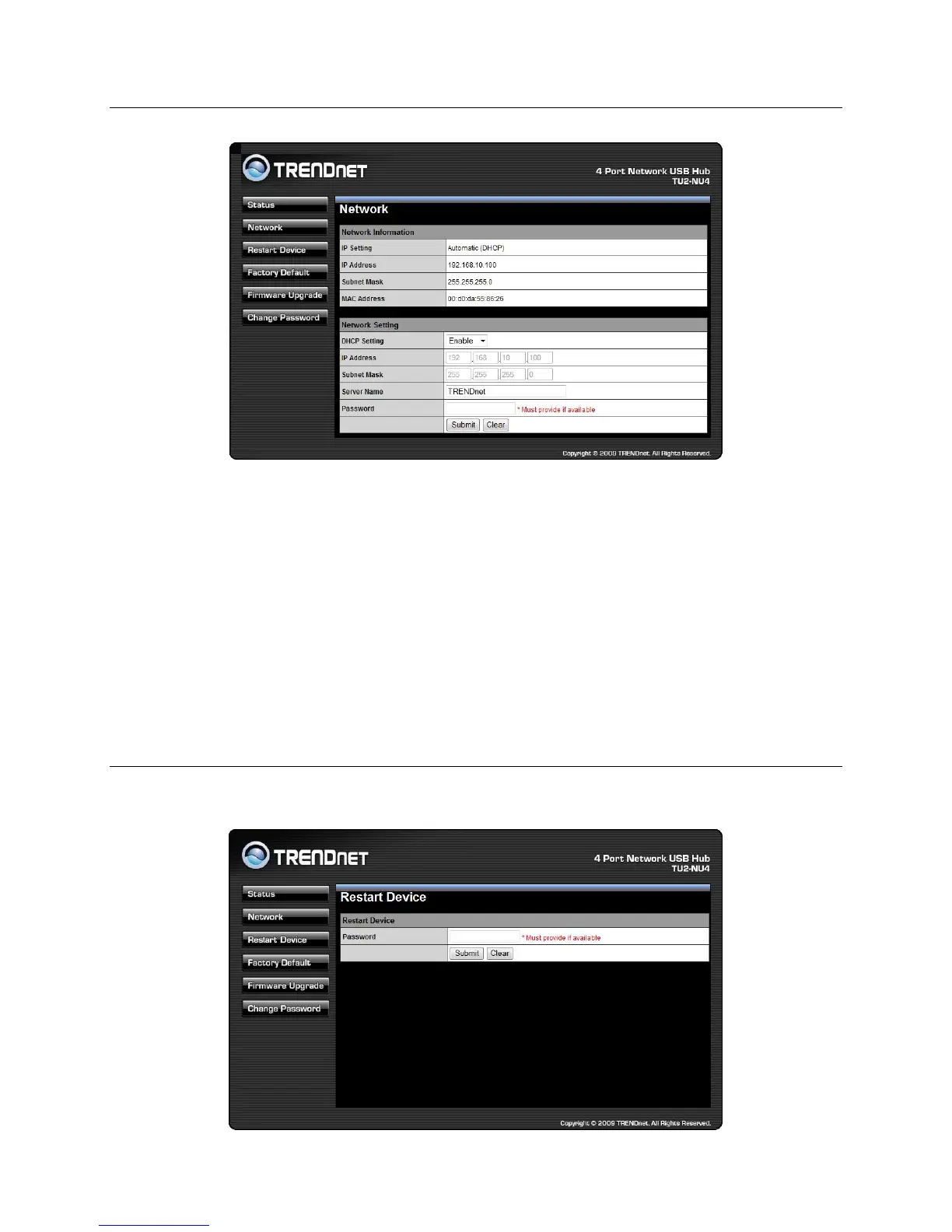
Network Information/Setting
This page displays the current network setting of the server and provides
links to the pages where you can perform special actions. You can
change the network setting according to your need. However, please
note that if you would like to give this server a static IP, please disable
the DHCP option. Once you are done, please click on the “Submit”
button and reboot the server.
NOTE: A Server with busy device(s) connected is prohibited to be
configured to prevent interruption of any on-going tasks.
Restart
Clicking on this link takes you the page show below:



 To Next Page