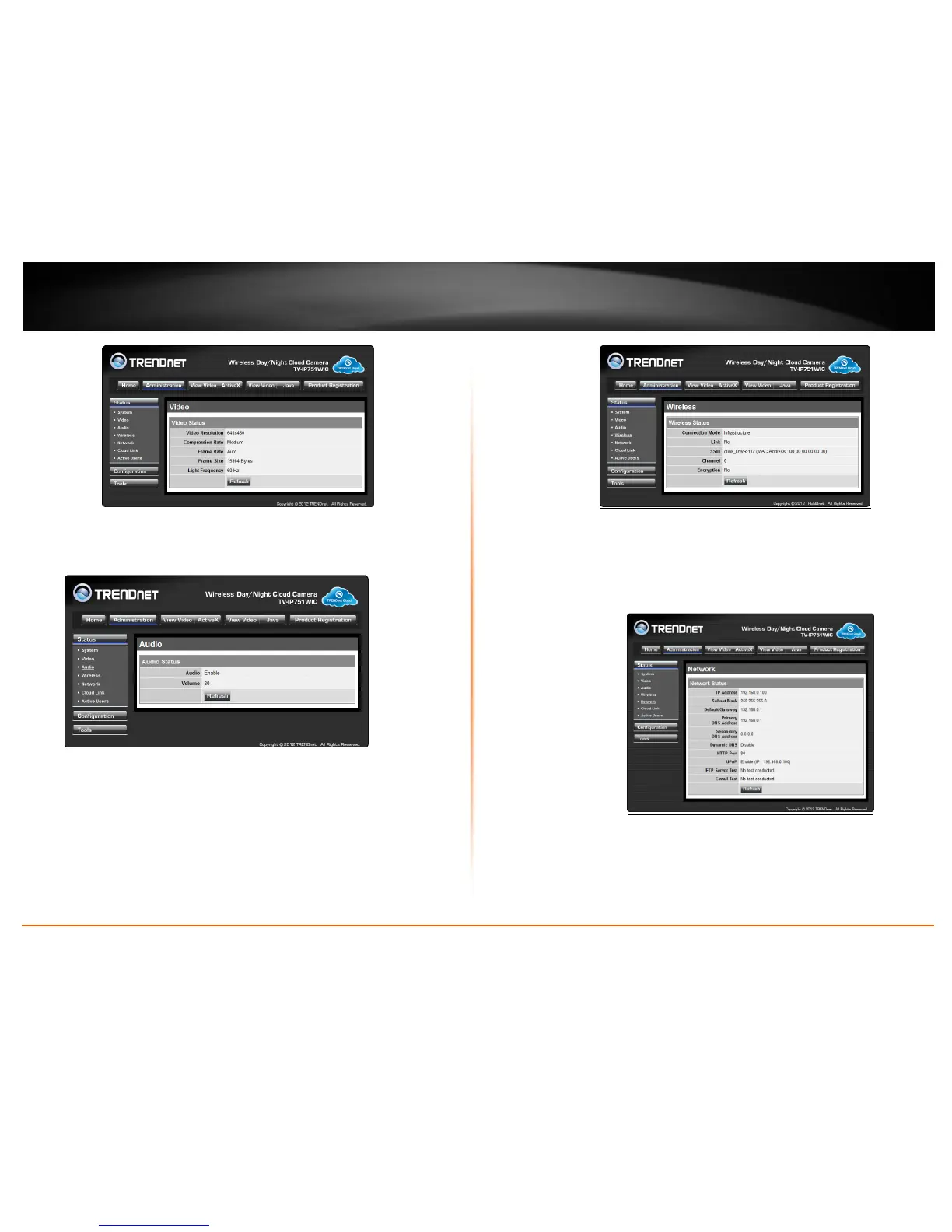
Audio
This screen shows audio as enabled/disabled and the audio volume level.
Wireless
This screen shows the connection mode, link status, SSID name, Channel and
encryption status.
Network
This screen shows various network statistics related to your camera including IP
Address, Subnet Mask and Default Gateway.
Cloud Link
This screen shows the Cloud server URL and its status.








 To Next Page