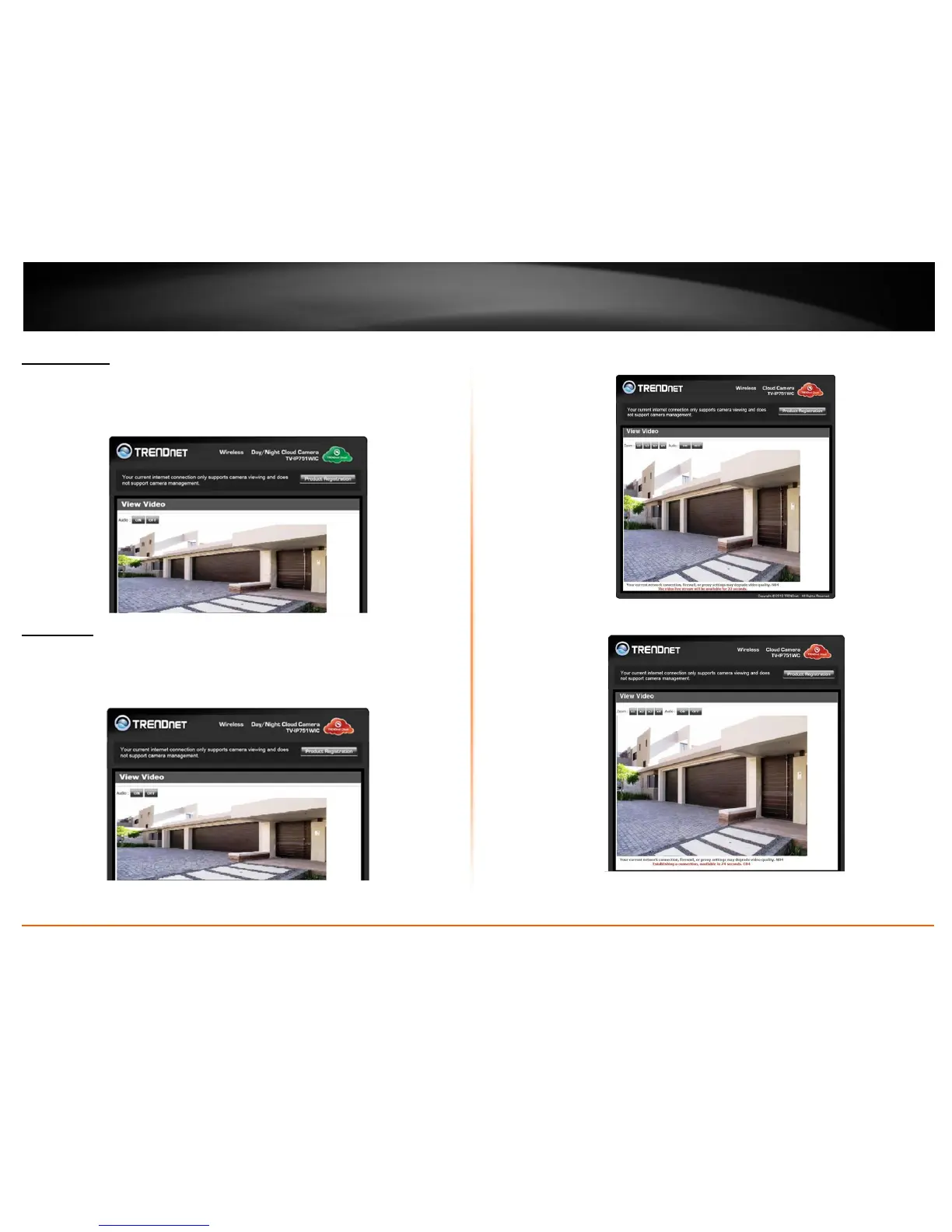
Green Mode
The Green Mode indicates the camera is connecting to media in a peer-to-peer fashion
to the internet or local network. This mode doesn’t offer configuration and
management options – only live streaming.
Red Mode
The Red Mode indicates the camera is connecting to the internet or local network
through a firewall. This mode doesn’t offer configuration and management options –
just live streaming for 180 seconds.
The firewall settings limits live streaming for each user.
The “red” notification at the bottom of the viewing area warns users of the limited time
Refresh this screen continuously if you wish to view your camera’s live stream.








 To Next Page