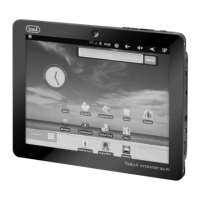
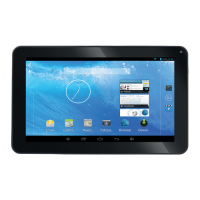
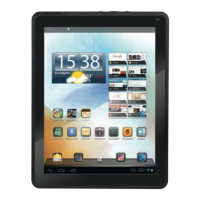
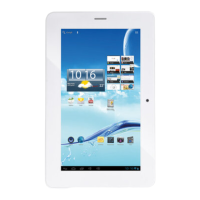
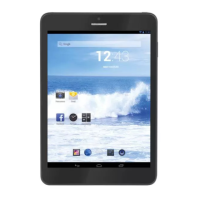
TAB 8 C4
28
APK
Q:WhatisAPK?
A:APKisAndroidPackageacronymthatAndroidinstallationpackage.
Q:HowtoobtaintheAPK?
A:YoucandownloadviaPC-sideinstallation,youcanalso“Androidmarket”onlineto
download and install.
Email
Q:CanIuseanyofmypersonalemailaddressestosend/receiveemail
A:ThedevicesupportsPOP3andSMTPaccounts.Somefreeemailaccountsarenot
supported on mobile devices. Check with your email provider to see if you account is
supported.
Q:WhichmediacardsarecompatiblewithmyDevice?
A:microSDcardsorTFcards.
Music
Q:WhattypeofmusicfilescanIplayonmydevice?
A:MP3,WMA,MP2,AAC,M4A,FLAC,APE,WAVPhotos
Q:WhattypeofphotofilescanIviewonmydevice?
A:JPG,JPEG,BMP,JPGandPNG.
Video
Q:WhattypeofvideofilescanIplayonmydevice?
A:AVI,3GP,MP4,MPG,RM,RMVB,MOV,FLV,WMV,MKV(max1080pfullHDvideo)
Q:CanIplayYouTubevideosonmydevice?
A:Yes,youcan.TaptheYouTubeapplicationicontoquickaccessvideos.
Wi-Fi
Q:DoIneedaWi-FiadaptertoconnecttotheInternet?
A:No.TheWi-Fiadapterisbuilt-intothedevice.
SETTING
Tap the “Settings” icon to go to settings.
You can check and set wireless networks, sound,
display, storage, Battery, Accounts&sync,
security, language, date time, about tablet, etc.
ENGLISH


 To Next Page