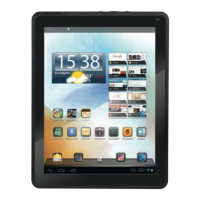
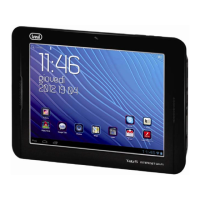
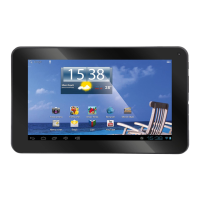
Need help?
Do you have a question about the Trevi TAB 9 C8 and is the answer not in the manual?
Warnings about device usage, environment, and handling.
Explains how to interact with the touch screen using gestures.
Instructions for charging the device's internal battery.
Procedures for turning the device on/off and locking the screen.
Steps to activate or deactivate the Wi-Fi connection.
How to find and connect to available Wi-Fi networks.
Guide to installing apps via the Play Store.
Steps to remove applications from the device.
Configure Wi-Fi network connections.
 General
| Display Size | 9 inches |
|---|---|
| Resolution | 1280 x 800 pixels |
| RAM | 2 GB |
| Internal Storage | 32 GB |
| Battery Capacity | 5000 mAh |
| Operating System | Android |
| Processor | Quad-core |
| Expandable Storage | MicroSD up to 128 GB |
| Camera | Rear: 5 MP, Front: 2 MP |
| Weight | 450 g |

 To Next Page