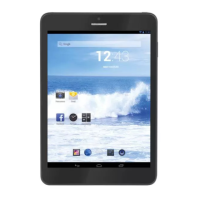
TAB 9 C8
26
PREINSTALLED APPLICATIONS
Installing Applications
Youcanalsodownloadaninstalladditionalapplicationsfromthedevicèsapplications
marketplace,thewebbrowser,orothersources.
Thetabletmustbesettoallowinstallationofapplicationsfromnon-Marketsources.The
UnknownsourcesoptioncanbesetintheApplicationsettingsmenu.
CONNECT TO A WI-FI NETWORK
TheNoticationbardisplaysiconsthatindicateyourtablet’sWi-Fistatus.
NoticationthatanopenWi-Finetworkisinrange.
ConnectedtoaWi-Finetwork(wavesindicateconnectionstrength).
[noicon]TherearenoWi-Finetworksinrange,ortheWi-Firadioisoff.
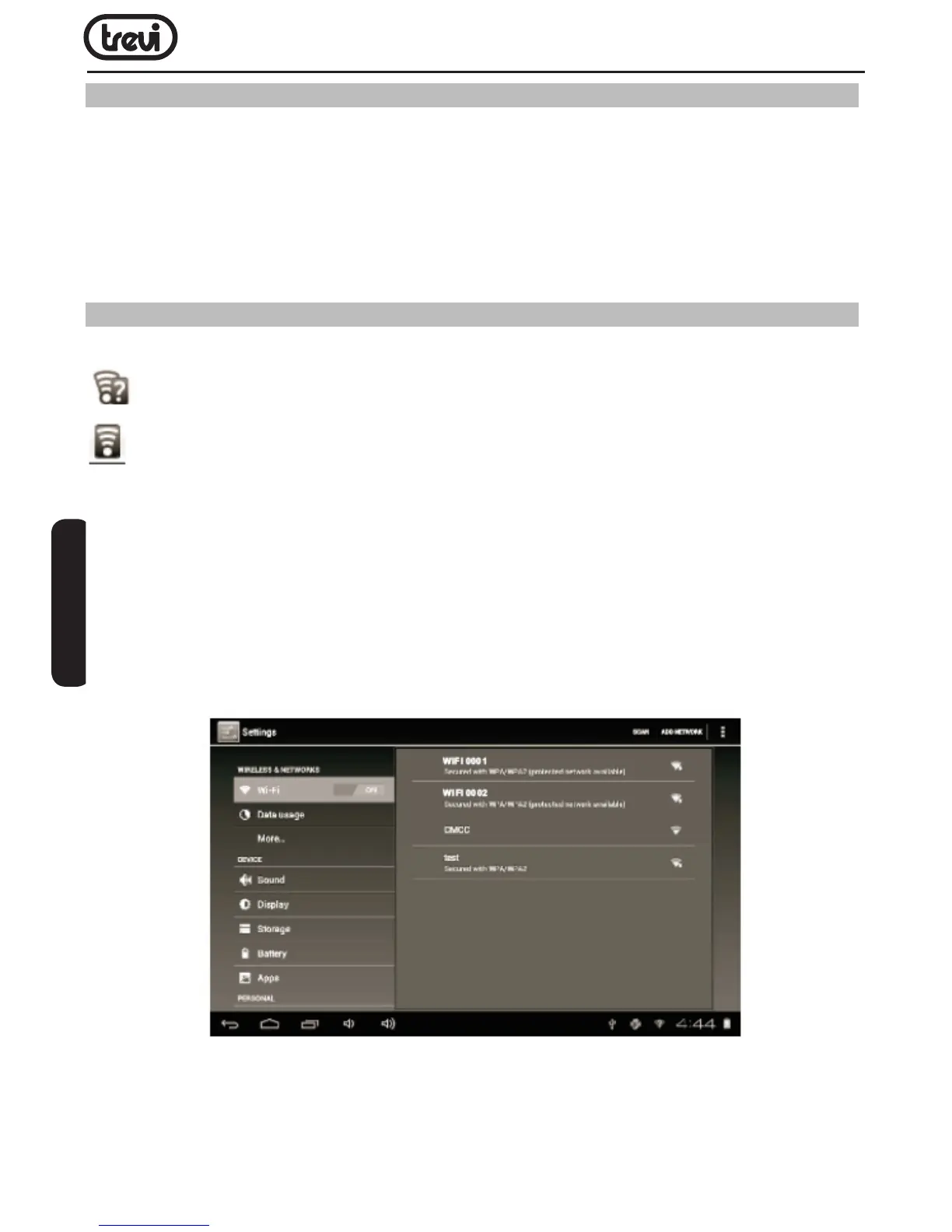
1. TurnontheWi-Firadioifitisnotalreadyon.ToturnonWi-Fi:
a.GototheHomescreen:PresstheHomekey.
b.OpentheSettingsmenu:taptheiconrightuponthehomescreentogetintothelauncher,
then touch Settings icon.
c.OpentheWireless&networksmenu:SlidetheicontoONstatus.
WhenWi-Fiison,thetabletwilllookforanddisplayalistofavailableWi-Finetworks.
Note:Ifanetworkthatyouhaveconnectedtopreviouslyisfound,thetabletwillconnect
toit.Ifyoudon’tseeyournetworkinthelist,youcanforcethetablettore-scan.Toscan
fornetworks,taptheMenukey,andthentouchScan.
ENGLISH


 To Next Page