43
Start-Up Procedures
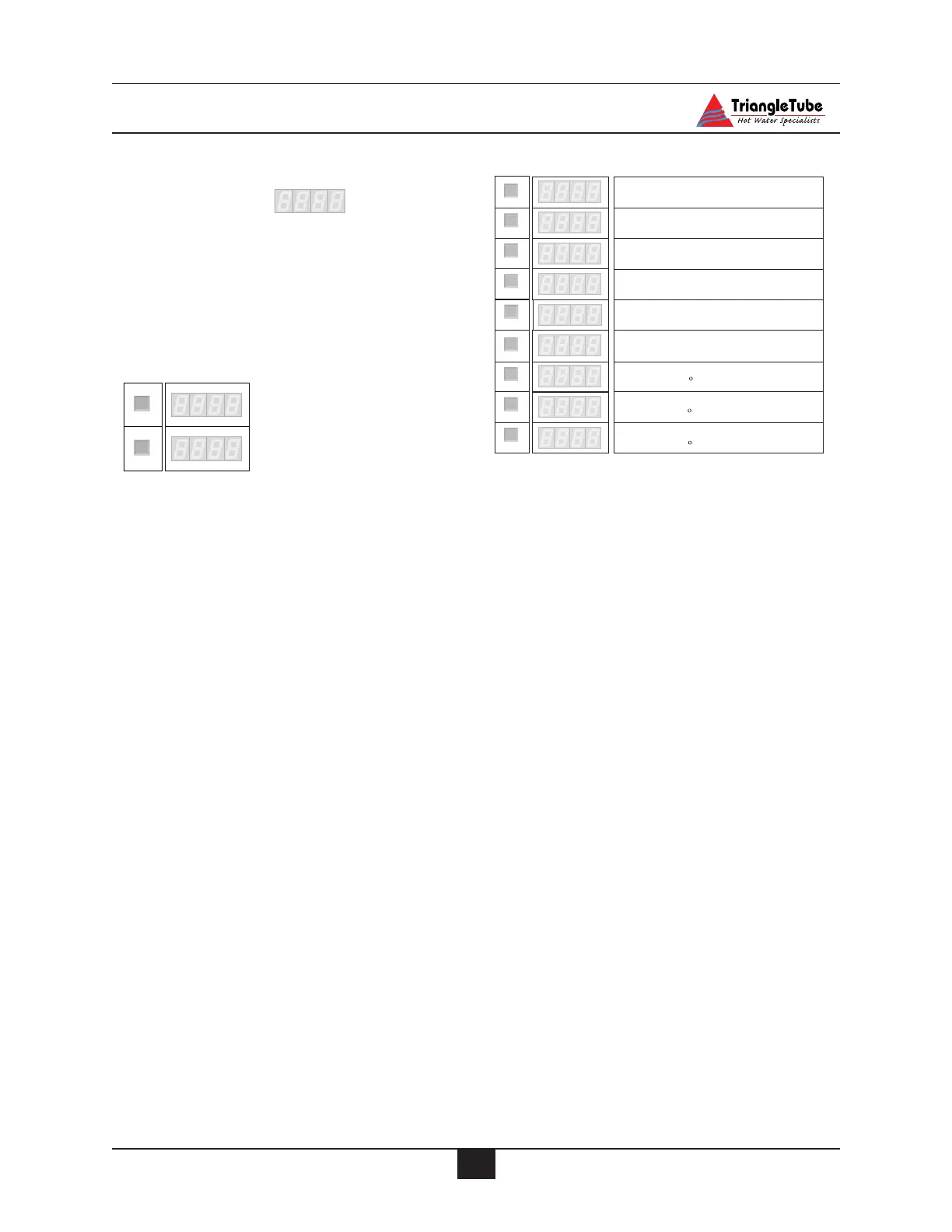
Accessing Control Information
Information Mode
To switch from STANDBY mode to INFOR-
MATION mode, press MODE twice.
Press STEP until the system displays the infor-
mation you need. The point located behind the
first position flashes to indicate that the appli-
ance is in INFO mode.
Note : The last three digits on the display is
the measured or calculated temperature or rate
of increase and is shown in the manual with
[
[
-
-
-
-
-
-
]
]
.
.
If STEP is pressed after parameter 9, the dis
-
play will show
A-32.
Measured CH outlet (supply) water
temperature
Measured CH inlet (return) water
temperature
Measured DHW storage
temperature
Measured outdoor temperature
(
Optional outdoor sensor required)
1
2
-
-
--
-
-
-
-
-
-
--
3
4
STEP
STEP
STEP
STEP
This parameter is not used
-
22
5
STEP
Key:
Display
Description of parameters
Rate of increase in the outlet water
temperature F/sec
Rate of increase in the return water
temperature F/sec
Rate of increase in the DHW
temperature F/sec
6
7
--
-
--
-
--
-
--
-
8
9
STEP
Calculated (target) outlet water
temperature
STEP
S
TEP
S
TEP
AR
A
P
M
ODE
NF
O
I
MODE
Key:
Display
Pressing MODE once
Pressing MODE twice



 To Next Page