- 9 -
MENU INTERFACE
Menu System:
When the MENU key is pressed on R/C, the main menu is entered. This menu page
consists of four sub-menus. These are as following;
P+, P- are used to move up & down in the main menu as the other pages. + or
- is used to enter the sub-menus in the main menu. Exiting from this menu is only
made by the TV, Store and Standby buttons.
TV to exit to program page without saving.
Store to save settings in all of the sub-menus and return the program mode.
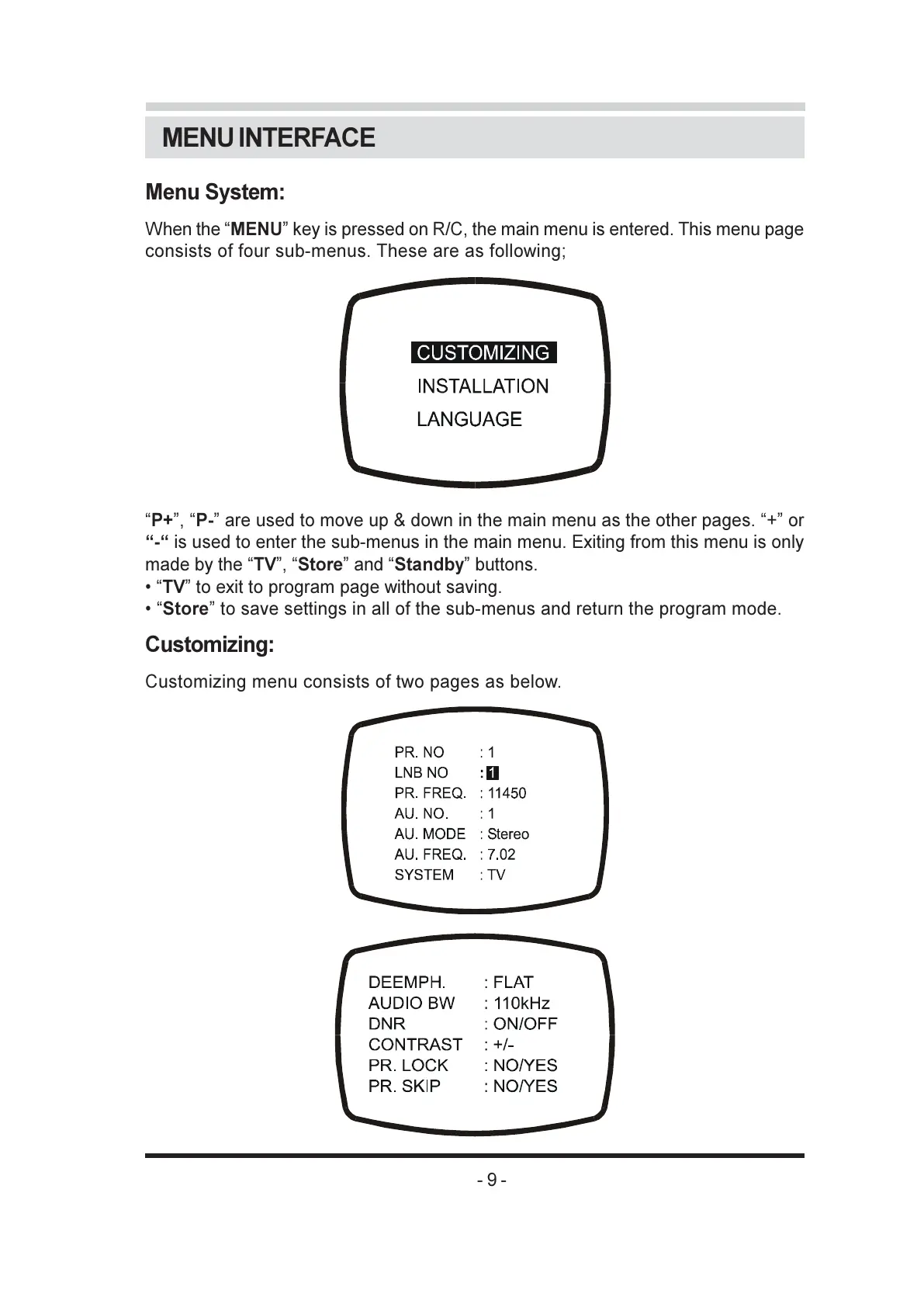
Customizing:
Customizing menu consists of two pages as below.



 To Next Page