- 11 -
To skip a program, PR. SKIP line is used. If it is enabled, the user can not reach this
program with P+, P- buttons. Only direct accessing is enabled to watch the skipped
program.
TV is used to return without saving, Store button to return to the program mode with
saving for selected channel number.
To store the customizing page, Store button is pressed and then program number
begins to flash. +,- or 0-9 buttons are used to change channel number. After
entering the program number Store button is pressed again to save the program
settings to this program.
Installation:
This page depends upon the DiSEqC mode selection in the setup menu. Setup menu
and the other modes of this page will be explained later in notes to the system in-
staller part.
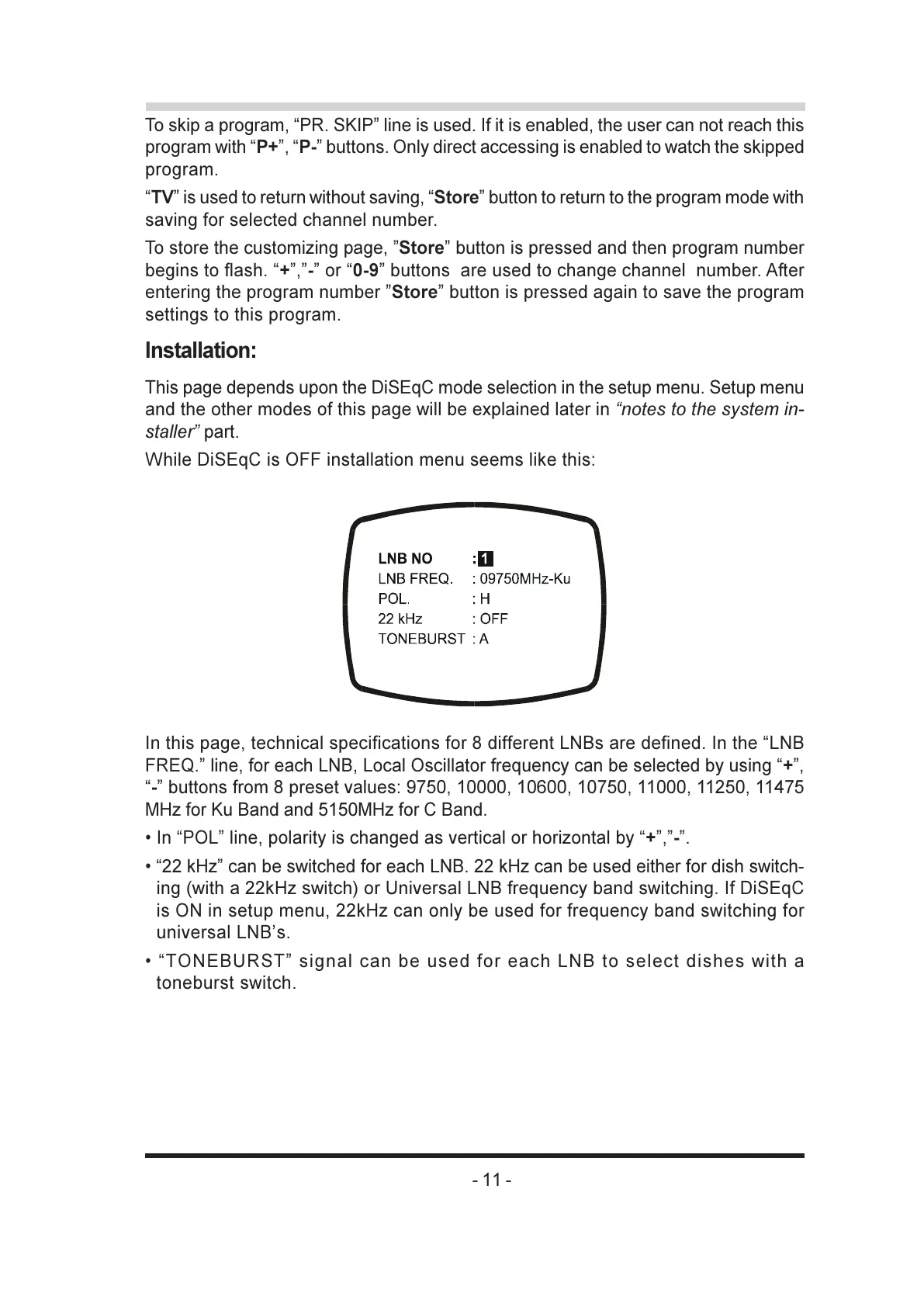
While DiSEqC is OFF installation menu seems like this:
In this page, technical specifications for 8 different LNBs are defined. In the LNB
FREQ. line, for each LNB, Local Oscillator frequency can be selected by using +,
- buttons from 8 preset values: 9750, 10000, 10600, 10750, 11000, 11250, 11475
MHz for Ku Band and 5150MHz for C Band.
In POL line, polarity is changed as vertical or horizontal by +,-.
22 kHz can be switched for each LNB. 22 kHz can be used either for dish switch-
ing (with a 22kHz switch) or Universal LNB frequency band switching. If DiSEqC
is ON in setup menu, 22kHz can only be used for frequency band switching for
universal LNBs.
TONEBURST signal can be used for each LNB to select dishes with a
toneburst switch.



 To Next Page