13
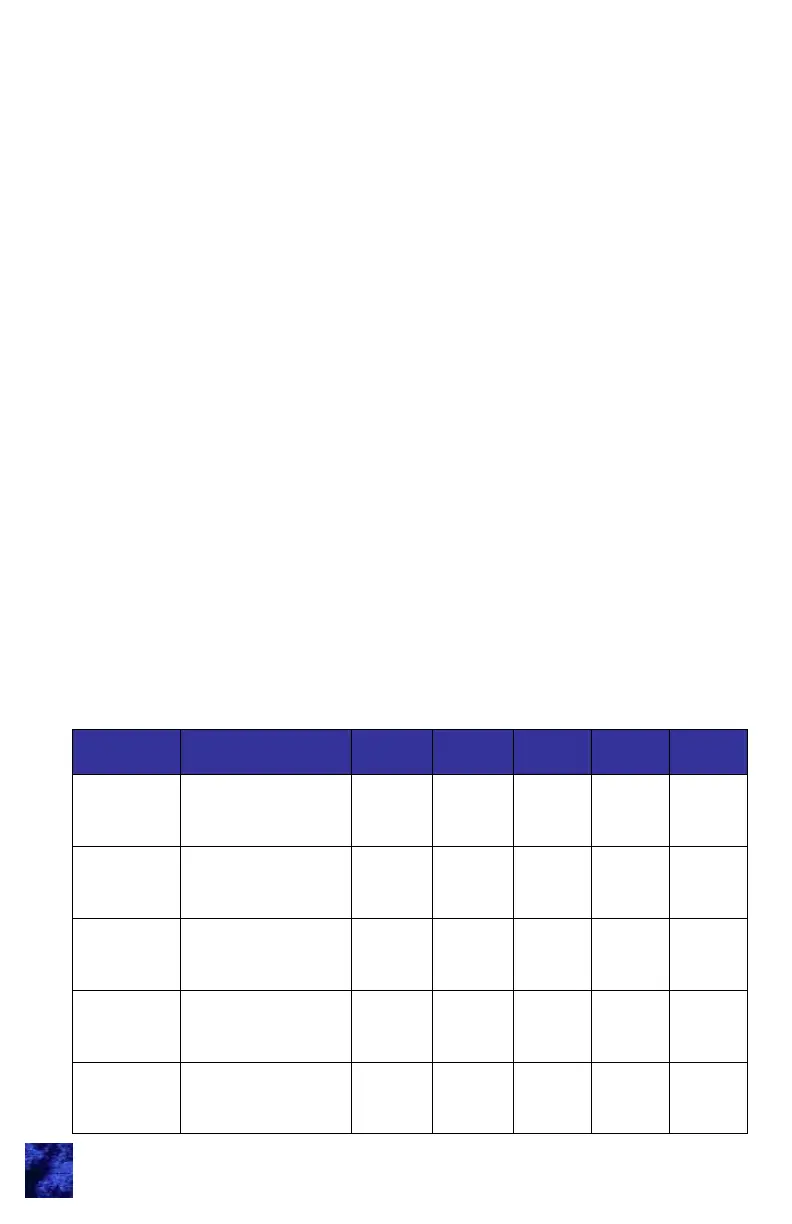
Memory # User Name Digit 1 Digit 2 Digit 3 Digit 4 Digit 5
1/2 (1)
3/4 (2)
5/6 (3)
7/8 (4)
9/0
3. Press and release the button that corresponds to the memory
bank. For example, press (1 / 2) or (1) button for Memory #1
and press (3 / 4) or (2) button for Memory #2. During this
activity you are choosing 1 of 5 (4) memory banks.
4. Enter a new 5-digit Access Code. The keypad chirps 3 times
after the 5
th
digit’s entry.
5. Re-enter the new Access Code for confirmation. The keypad
will chirp 3 times after a successful confirmation. A long beep
indicates a failure to change the code.
6. Test the new code to confirm a successful change.
Repeat process to assign additional Access Codes to different
memory slots.
Notes:
Up to 5 (or 4 for doorbell keypads) different Access Codes can
be assigned at any time. As additional Access Codes are
defined, pre-existing Access Codes are overwritten. For
example, if a new Access Code is assigned to Memory #3, the
previous Access Code in Memory #3 is no longer valid.
If an error is made at any point, or if time runs out, the keypad
will exit “Learn Mode,” provide a 1-2 second beep, and not
change anything.
The following area can be used to document the new Access Code
assignments:



 To Next Page