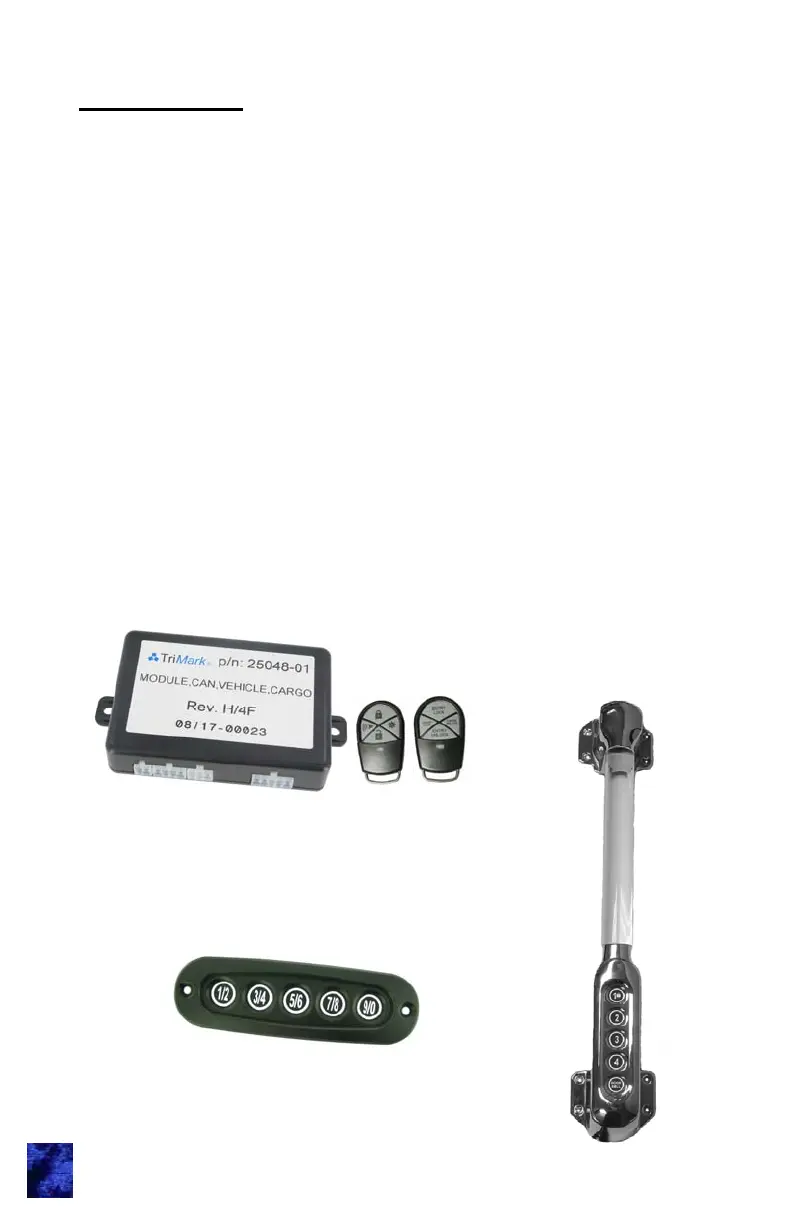
TriMark CAN RF Controller
Introduction
This manual provides the necessary information for the proper use of
TriMark’s CAN e-ASK system.
The RF controller and FOB transmitters are shipped programmed.
After following installation instructions as shown in this manual, the
system will function as described.
Note: Some features discussed in this manual may not be available on
your vehicle’s installation. Consult with your dealer for more
information about features specific to your vehicle.
1
CAN-enabled
e-GRAB Handle
CAN-enabled Keypad —
available vertical or horizontal



 To Next Page