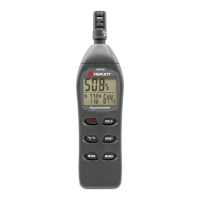
VII. Measurement
(Refer to “Control Locations and Descriptions”)
1: Turn on power by pressing and releasing the
ON/OFF button (3)
2: Hold the instrument comfortably in hand or
x on tripod and point the microphone at the
sound source. The sound pressure level will
be displayed on the LCD (5)
3: The SoniChek MC can capture and hold the
maximum or minimum sound level. To activate
this feature, press and release the MAX/MIN
button (2) once to activate MAX, again to activate
MIN, or hold the button in to return to normal
measurements. The mode is indicated by MAX or
MIN appearing in the LCD display.
4: Turn power off by pressing and releasing the
ON/OFF button.
Note: The SoniCheck MC will automatically turn on the
LCD backlight in low light situations.



 To Previous Page
 Loading...