10
6.1 Opening the Console
6.1.1 Opening Separately
6.1.2 Opening Together
6.1.3 Operating Precautions
6. Basic Operation
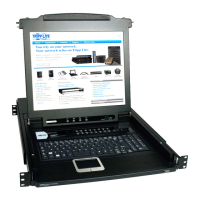
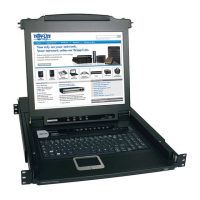
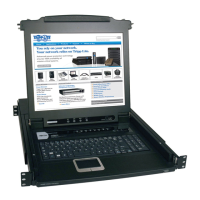
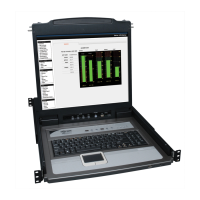
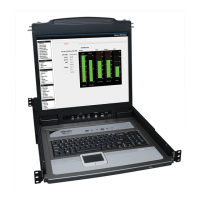
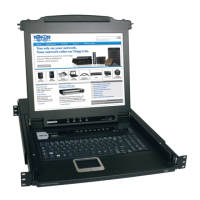
Theconsoleconsistsoftwomodules:anLCDdisplaymodulelocatedunderthetopcover;andakeyboard/touchpadmodulebelowtheLCDmodule.
Themodulescaneitherslidetogether,orindependently.ThisallowsyoutohavetheLCDdisplayavailableforviewingwhilethekeyboard/touchpad
module is conveniently out of the way when not in use.
Release the console by sliding the front panel catches toward the center 1.
and pull the top panel a few centimeters toward you. Once the console
has been released, you can let go of the catches.
Pull the top panel all the way out until it clicks into place.2.
3.RotatethetoppanelallthewaybacktoexposetheLCDscreen.
4.Reachunderneathandpullthekeyboardmoduleallthewayout
until it clicks into place.
Refer to the diagrams in the Opening Separately section as you do the following:
Push the release catches in and pull the top and bottom panels out until the keyboard module clicks into place. Once the console has been released, you 1.
can let go of the catches.
Pull the top panel the rest of the way out until it clicks into place.2.
RotatethetoppanelallthewaybacktoexposetheLCDscreen.3.
Themaximumloadbearingcapacityofthekeyboardmoduleis65lbs.Failuretoheedtheinformationbelowcanresultindamagetothekeyboardmodule.
RIGHT
Rest your hands and arms
lightly on the keyboard module
as you work.
WRONG!
• DO NOT lean your body
weight on the keyboard module.
• DO NOT place heavy
objects on the keyboard
module.


 To Next Page
 Loading...