4
Product Description
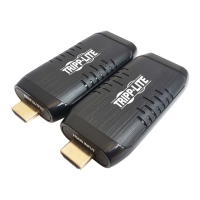
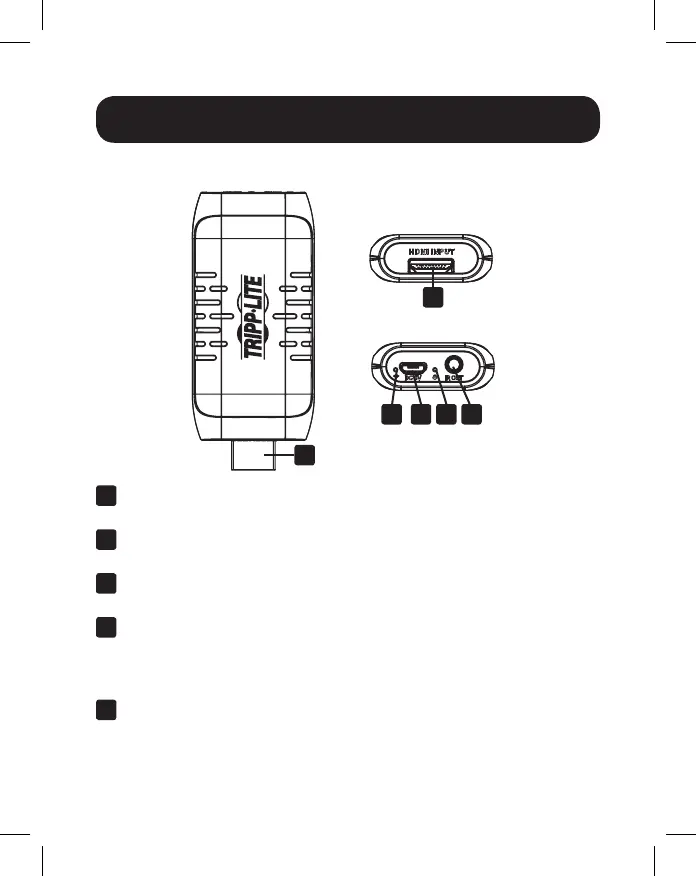
Mini Transmitter Unit
1
Wireless Indicator: LED will illuminate red when an HDMI signal is
obtained and will blink when data is transmitting
2
Micro-B USB Port: Use the included USB cable to connect the Mini
Transmitter Unit to a powered device
3
Power Indicator: LED will illuminate blue when power is being
received
4
IR-Out (Tx) Port: Use the included IR-Out (Tx) cable to connect to
this port for remote control of the source device
Note: Make sure the source remote control is within the required range of IR
transmitter
5
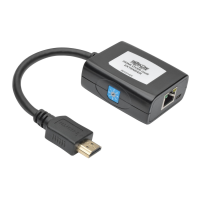
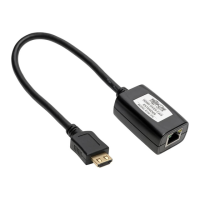
HDMI Input (Male): Connect to the HDMI port on the source device
1
5
5
2 3 4


 To Next Page
 Loading...