18
USB/IR Controls
(B127A-1A1-BDBD and B127A-1A1-BDBH only)
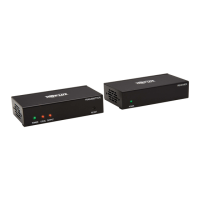
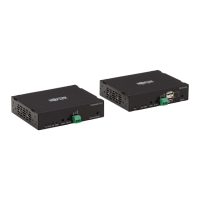
The B127A-1A1-BDBD and B127A-1A1-BDBH extender kits provide the
following functional controls:
• USB 1.1 – One USB Micro-B input at transmitter, dual USB-A outputs
at receiver
• Bi-Directional IR – Dual 3.5 mm jacks at both the transmitter and receiver
(Optional) Connect the included IR-OUT cable to the transmitter unit’s
IR-OUT port. Place the sensor on the IR-OUT cable in an unobstructed
area within clear view of the device being controlled. Then connect the
included IR-IN cable to the receiver unit’s IR-IN port. The IR-IN cable will
communicate the desired command via the transmitter’s IR-OUT cable.
Note: The IR-OUT cable receives the signal from the remote control and
sends it to the device being controlled (e.g. Blu-ray™ player, etc.).
(Optional) With a user-supplied USB Micro-B cable (such as Tripp Lite
U050-XXX Series USB cable), connect to the transmitter’s Micro-B port.
Then connect a keyboard and mouse to the available USB-A ports on the
receiver unit.
21-03-131 933D25 RevC.indd 1821-03-131 933D25 RevC.indd 18 3/22/2021 3:19:58 PM3/22/2021 3:19:58 PM



 To Next Page
 Loading...