EasyManua.ls Logo

Tripp Lite DMCSTP65CBP - User Manual

Tripp Lite DMCSTP65CBP
24 pages
Print Icon
To Next Page IconTo Next Page
Loading...
1
Owner’s Manual
1111 W. 35th Street, Chicago, IL 60609 USA • tripplite.com/support
© 2020 Tripp Lite. All rights reserved.
WARRANTY REGISTRATION
Register your product today and be
automatically entered to win an ISOBAR
®
surge protector in our monthly drawing!
tripplite.com/warranty
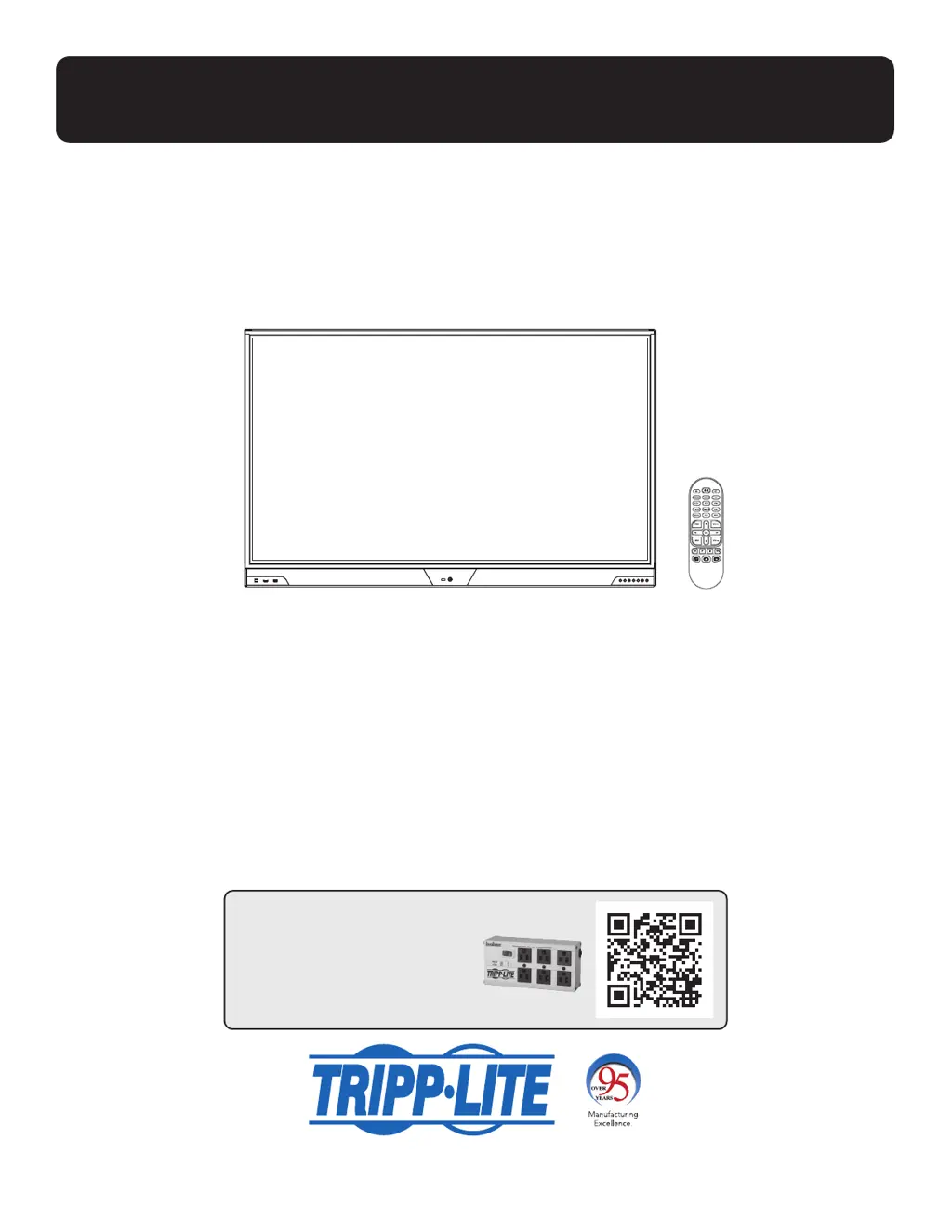
Interactive 65"
Touchscreen Display
1. Important Safety Instructions 2
2. Preparation 4
3. Features 6
4. Initial Setup 10
5. Touch Operation 11
6. Troubleshooting 22
Warranty & Product Registration 23
Regulatory Compliance 23

Other manuals for Tripp Lite DMCSTP65CBP

Questions and Answers

  • B
    Barbara BanksAug 10, 2025
    What to do if Tripp Lite Touchscreen remote control doesn’t function?
    • M
      Mary WalshAug 10, 2025
      If the Tripp Lite Touchscreen remote control isn't working, ensure you're aiming the remote at the IR sensor located near the power button on the front of the display. Also, check the batteries. They should last 6 to 12 months under typical conditions. Make sure they are installed with the correct polarity (+/-) as indicated in the battery compartment; if needed, replace them.
  • K
    ksilvaAug 20, 2025
    What to do if my Tripp Lite Touchscreen has no display and the power LED is on or blinking?
    • J
      Jose JensenAug 20, 2025
      If your Tripp Lite Touchscreen shows no display but the power LED is on or blinking, ensure the selected input source is active and the cable is securely connected to the correct port at both ends. Try pressing a key on the remote to wake the display. If that doesn't work, try turning the product off and on again.
  • T
    Tara JonesAug 30, 2025
    How to fix Tripp Lite Touchscreen with no display and power LED off?
    • J
      Jim WarrenAug 30, 2025
      If your Tripp Lite Touchscreen has no display and the power LED is off, ensure the AC input power cord is firmly connected at both ends. Also, verify that the master on/off switch by the power inlet is set to the on position.

Tripp Lite DMCSTP65CBP Specifications

General IconGeneral
ModelDMCSTP65CBP
ManufacturerTripp Lite
ColorBlack
MaterialAluminum
Maximum Height65 inches
PlacementFloor
OutletsNo

Related product manuals