5
1
2
3
4
5
6
7
6
1. Product Overview
1.7 The NetCommander IP Unit
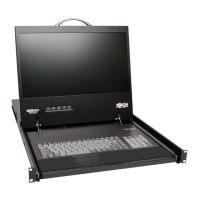
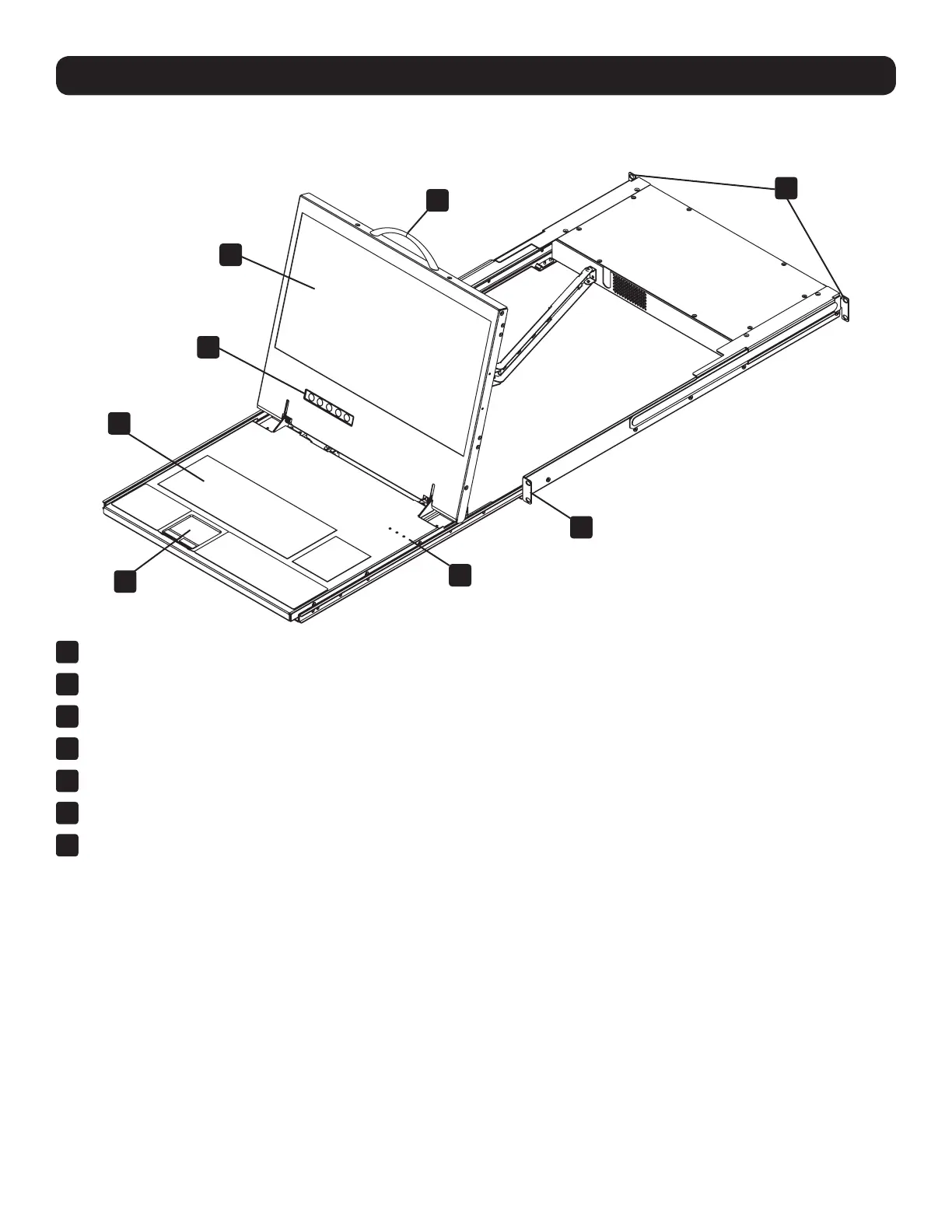
Console KVM Switch Front View
1
Upper Handle – Pull to slide the console out; push to slide the console in.
2
19” LCD Screen – After sliding the console out, flip up the cover to access the LCD screen, keyboard and touchpad.
3
LCD Controls – The LCD On/Off button is located here, as well as buttons to control the position and picture settings of the LCD screen.
4
Keyboard
5
2-Button Touchpad
6
Rackmounting Brackets – There are rackmount brackets to secure the chassis to a system rack located at each corner of the unit.
7
Lock LEDs – The Num Lock, Caps Lock, and Scroll Lock LEDs are located here.


 To Next Page
 Loading...