3
Quick Installation
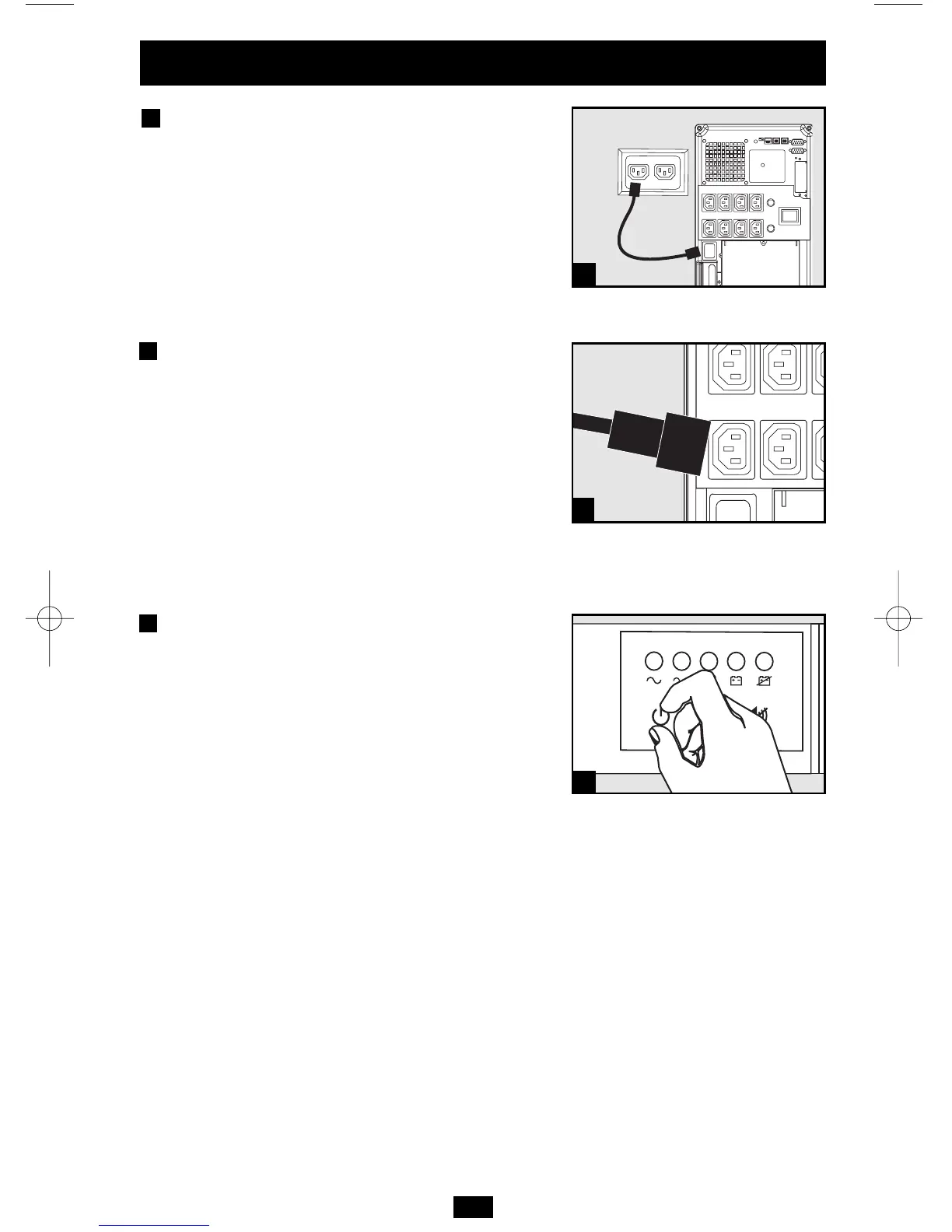
Insert a user-supplied power
cord (with country-specific plug)
into the UPS System’s IEC-320-C20
AC Input Receptacle. Plug the
cord into an AC wall outlet.
NOTE! After you plug the UPS into a live AC outlet, the UPS (in
“Standby” mode) will automatically charge its batteries, but will
not supply power to its outlets until it is turned ON.
Using the jumper cords supplied
with the UPS, plug your equipment
into the UPS.*
* Order additional jumper cords from Tripp Lite. Call (773) 869-1234;
order part # P004-006. Your UPS is designed to support only com-
puter equipment. You will overload the UPS if the total VA ratings for
all the equipment you connect exceeds the UPS's Output Capacity
(see Specifications). To find your equipment's VA ratings, look on
their nameplates. If the equipment is listed in amps, multiply the
number of amps by 230 to determine VA. (Example: 1 amp × 230 =
230 VA). If you are unsure if you have overloaded the UPS’s outlets, see
“OUTPUT LOAD LEVEL” LED description.
Turn the UPS ON.
Press and hold the “ON/OFF/STANDBY” button for
one second. The alarm will beep once after one second
has passed. Release the button.
1
2
3
1
2
3
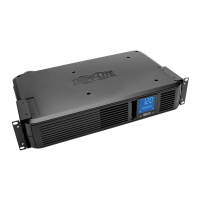
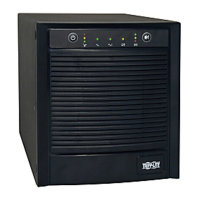
Shown: SMARTINT2200VS




 To Next Page