EasyManua.ls Logo

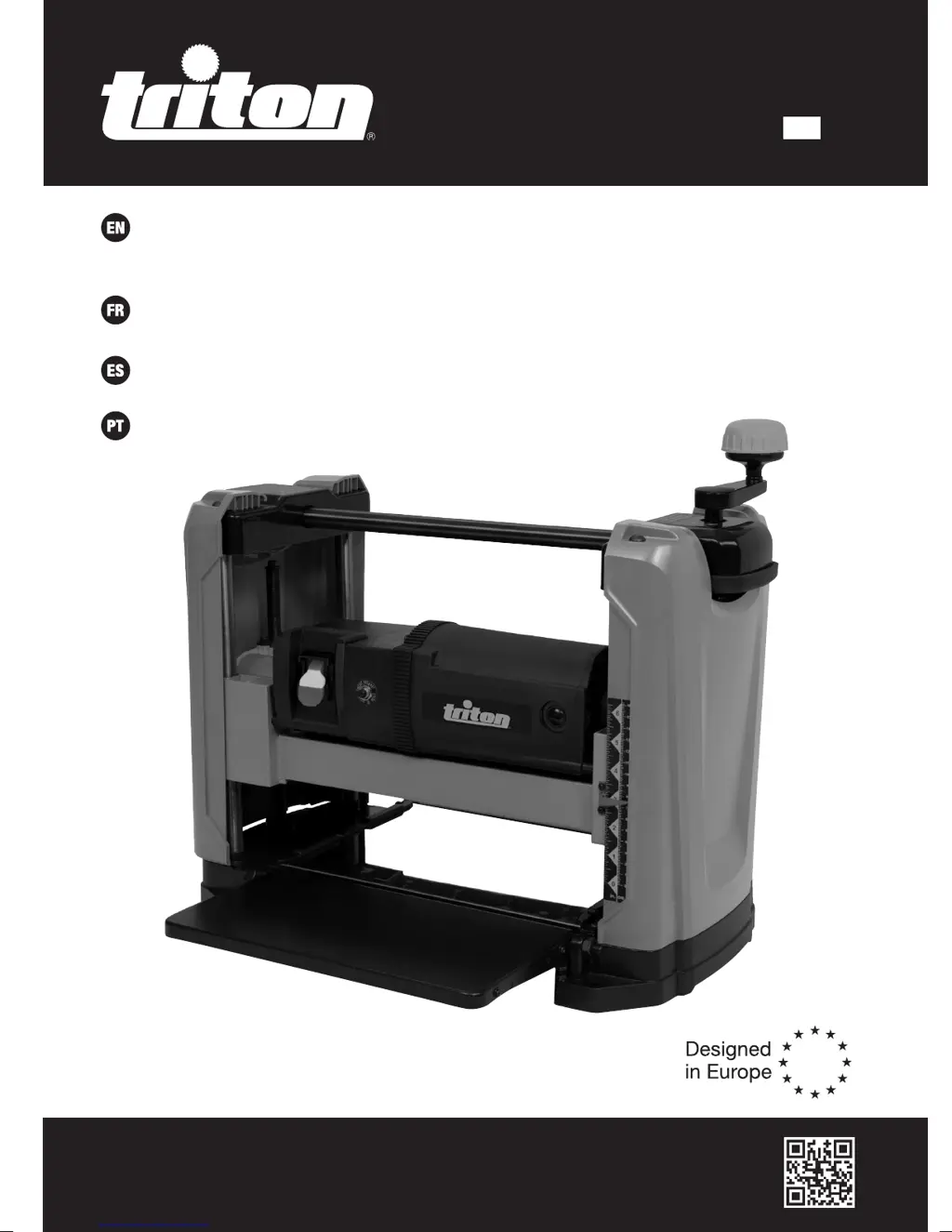
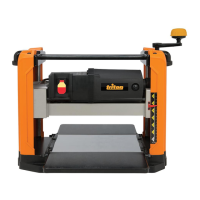
Triton TPT 125 - User Manual

Triton TPT 125
44 pages
Print Icon
To Next Page IconTo Next Page
Loading...
tritontools.com
15A Thicknesser 12
1
2
Operating &
Safety Instructions
Instructions d’utilisation
et consignes de sécurité
Instruções de
Operação e Segurança
Instrucciones de
uso y de seguridad
TPT 12 5
Version Date: 28.02.19
636949_Manual.indd 2 28/02/2019 12:15

Other manuals for Triton TPT 125

Questions and Answers

  • C
    Christine GambleAug 16, 2025
    Why does my Triton TPT 125 keep tripping the circuit breaker?
    • B
      bwilliamsAug 16, 2025
      Your Triton Planer might be tripping the circuit breaker due to several reasons. It could be due to motor overload, in which case you should reduce the load on the motor. Another reason might be inadequate capacity of the circuit breaker, so consider replacing it with a correct one. A circuit overload or dull blades can also cause this issue; try reducing the circuit load, or sharpening/replacing the blades.
  • J
    John LopezAug 19, 2025
    How to get a smooth surface with my Triton TPT 125 Planer?
    • M
      Matthew RobinsonSep 12, 2025
      If the planed surface isn't smooth, several factors could be at play. Dull blades are a common culprit, so try replacing them. High moisture content in the wood can cause fuzzy grain; ensure you're using dry wood. If the grain is torn, it's likely the blades are cutting against the grain; change direction and feed the workpiece along the grain. Also, check the depth of cut; decreasing it might help. Finally, uneven thickness from side to side could indicate that the rollercase isn't level with the planer base; adjust the rollercase alignment.
  • J
    Joseph JimenezAug 21, 2025
    What to do if my Triton Planer motor overheats?
    • L
      Larry JacksonAug 21, 2025
      If your Triton Planer's motor is overheating, it could be due to a motor overload. Reduce the load on the motor and turn off the machine until the motor cools down. Another cause might be excessive dust build-up, which decreases air circulation. Remove any dust build-up to improve airflow.
  • J
    julieliuAug 25, 2025
    How to prevent snipe on my Triton Planer?
    • M
      Melissa JohnsonAug 26, 2025
      Snipe on your Triton Planer can be caused by several factors. Inadequate support of the workpiece is a common cause, so use an additional platform to support long workpieces. Dull blades can also contribute; replace them. Uneven force on the cutterhead can cause snipe, so push the workpiece gently during operation. Additionally, ensure the rollercase is parallel with the table by adjusting their levels correctly. Finally, make sure the workpiece is butted correctly, end to end, as it passes through the planer.
  • W
    William RamseyAug 27, 2025
    Why is it difficult to adjust the rollercase height on my Triton TPT 125 Planer?
    • T
      Tara PerkinsAug 27, 2025
      If you're having trouble adjusting the rollercase height on your Triton Planer, several issues could be the cause. First, check if the rollercase lock is engaged and release it. Worn elevation screws can also cause this problem, so consider replacing them. Dirty elevation screws can hinder adjustment, so clean and lubricate them. If the rollercase isn't positioned parallel with the table, re-align it. Finally, friction between the rollercase and side panels might be the issue; clean and adjust the rollercase.
  • M
    Mrs. Michele RoseAug 30, 2025
    Why does the circuit breaker keep tripping on my Triton Lathe?
    • M
      maria10Aug 30, 2025
      If the circuit breaker trips frequently on your Triton Lathe, it could be due to several reasons. The motor might be overloaded, so try reducing the load. The circuit breaker itself may not have sufficient capacity and need replacement with the correct one. There might be a circuit overload, so reduce the load on the circuit. Also, dull blades can cause this issue, so sharpen or replace them.
  • M
    Mary ClarkSep 2, 2025
    How to stop my Triton Lathe motor from overheating?
    • S
      Shawn SmithSep 2, 2025
      The motor of your Triton Lathe might be overheating because it is overloaded. Reduce the load on the motor and turn off the machine until it cools down. Another possible cause is excessive dust build-up, which decreases air circulation. Remove any dust build-up to improve air circulation.
  • C
    Chad BrownSep 6, 2025
    Why is the planed surface not smooth with my Triton Lathe?
    • J
      James LawsonSep 6, 2025
      If the planed surface is not smooth when using your Triton Lathe, several factors could be responsible. Dull blades can cause this, so replace them. High moisture content in the wood might lead to fuzzy grain, so ensure you're using dry wood. Torn grain can occur if the blades are cutting against the grain; change direction and feed the workpiece along the grain. Additionally, if the cut is too deep, decrease the depth of cut. Uneven thickness from side to side may happen if the rollercase is not positioned level with the planer base; in this case, adjust the rollercase alignment.
  • B
    Brian BarnettSep 9, 2025
    What to do if my Triton Lathe is causing snipe?
    • R
      rjordanSep 9, 2025
      Snipe on your Triton Lathe can occur due to several reasons. Ensure adequate support for the workpiece, especially for long pieces, by using an additional platform. Replace dull blades. Apply even force on the cutterhead and push the workpiece gently during operation. Check that the rollercase is parallel with the table and adjust if necessary. Make sure to butt each workpiece end-to-end as it passes through the planer.
  • J
    jeffersonangelaSep 12, 2025
    Why is it difficult to adjust the rollercase height on my Triton Lathe?
    • D
      David RussellSep 12, 2025
      If you're having difficulties adjusting the rollercase height on your Triton Lathe, first check if the rollercase lock is engaged and release it. Worn elevation screws can also cause this issue, so replace them if necessary. Dirty elevation screws can hinder adjustment, so clean and lubricate them. Ensure the rollercase is positioned parallel with the table, and re-align it if needed. The rollercase might need cleaning and adjustment.

Summary

Operating and Safety Instructions

Introduction and Specifications

Description of Symbols

Explanation of symbols used on the tool and in the manual for safe operation.

Technical Abbreviations Key

Glossary of abbreviations used in the technical specifications and manual.

Product Specifications

Detailed technical data and performance specifications of the thicknesser.

General Safety Precautions

General Safety Guidelines

Essential safety rules for operating power tools to prevent injury and hazards.

Electrical Safety and Grounding

Grounding Instructions

Steps for proper grounding of the tool to ensure electrical safety.

US Electrical Safety Guidelines

Specific electrical safety advice for users in the USA.

Cutting Tool Safety

General Cutting Safety

Safety advice on protection, handling, and preparation for cutting operations.

Additional Cutting Tool Safety for US

Specific safety instructions for cutting tool use for US users.

Setup and Preparation Before Use

Bench Mounting and Installation

Instructions for setting up the tool securely on a workbench.

Component Installation and Checks

Covers crank handle installation, dust chute attachment, and rollercase leveling.

Operation Procedures

Safe Operation Guidance

Key advice for safe operation, including power connection and adjustments.

Workpiece Capacity and Handling

Details on workpiece size limits, material, and planing techniques.

Height Adjustment and Depth Setting

How to adjust rollercase height and set the depth of cut.

Power Controls and Circuit Breaker

Information on switching the tool on/off and the circuit breaker function.

Planer Operation Steps

Step-by-step guide for operating the planer safely.

Maintenance and Accessories

Accessories Information

Details on available accessories and spare parts for the tool.

Cleaning and Lubrication

Instructions for cleaning and lubricating the planer for optimal performance.

Rollercase and Blade Maintenance

Procedures for realigning the rollercase and checking/replacing blades.

Component Replacement and Storage

Brush and Drive Belt Replacement

Guide for inspecting and replacing carbon brushes and the drive belt.

Storage and Disposal

Recommendations for storing the tool and its proper disposal.

Troubleshooting Guide

Guarantee Information

California Proposition 65 Warning

Triton TPT 125 Specifications

General IconGeneral
BrandTriton
ModelTPT 125
CategoryPlaner
LanguageEnglish

Related product manuals