TRIUMPH BOARD a.s. Page 22 of 27
d) Settings
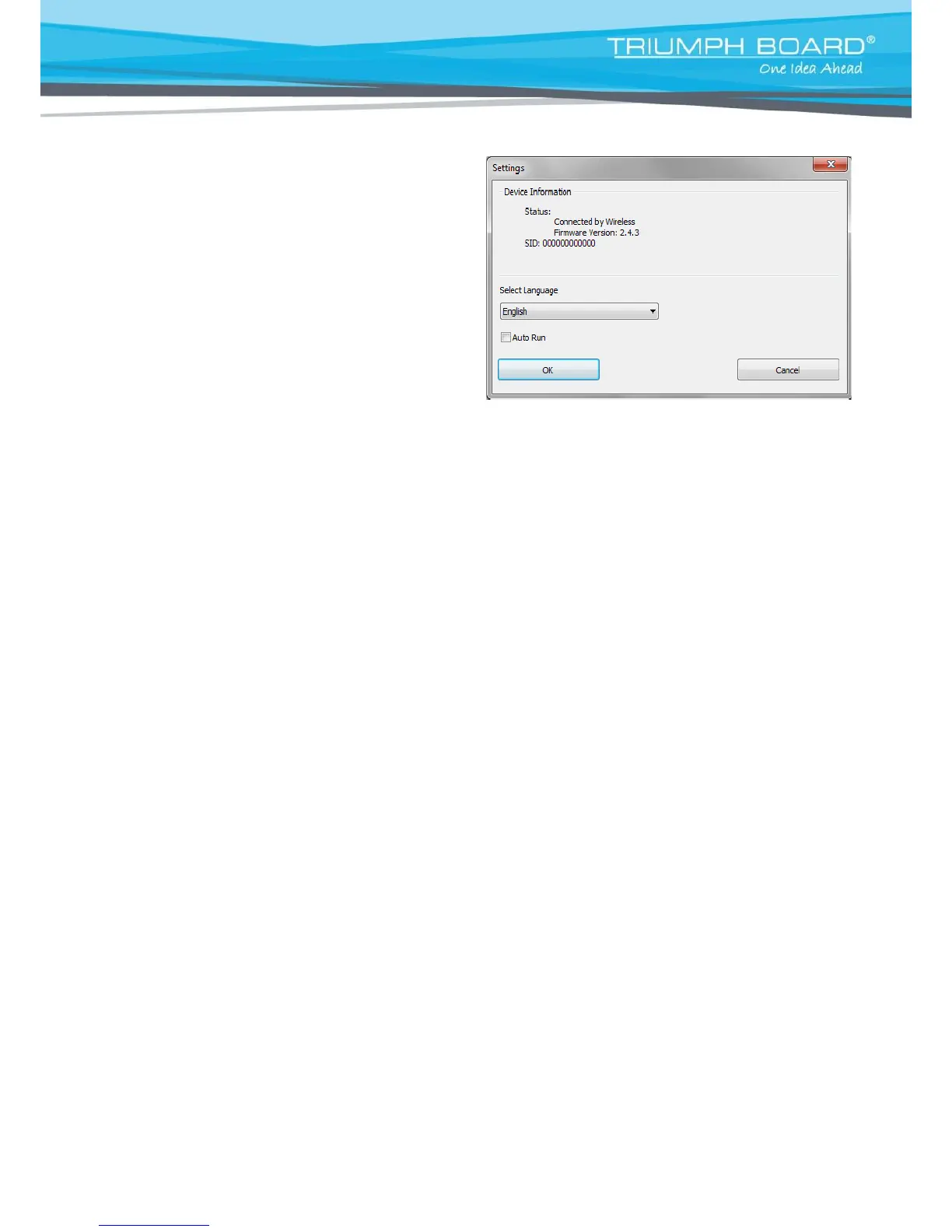
Device Information
After successfully connecting the computer with the
whiteboard, device information such as wireless or USB
version and firmware version info will be shown.
Language
You can choice one of the 24 language localizations under Settings/Select Language
Auto Run
If user enables auto run, the MULTI Touch board driver will automatically start with each restart of windows.
If the MULTI Touch board is not used every day you can choose to disable auto run.


 To Next Page