EN 6
Operating manual – dynamic pressure anemometer TA400
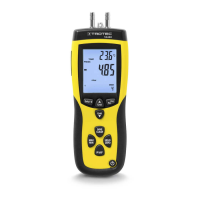
Measuring the differential pressure
In the measuring mode for differential pressure measurements
the differential pressure of a zone1 can be determined with
regard to a reference environment (zone2 / equipment
location).
The differential pressure can be indicated in 5 different units:
• PSI
• mbar
• inH
2
O
• mmH
2
O
• Pa
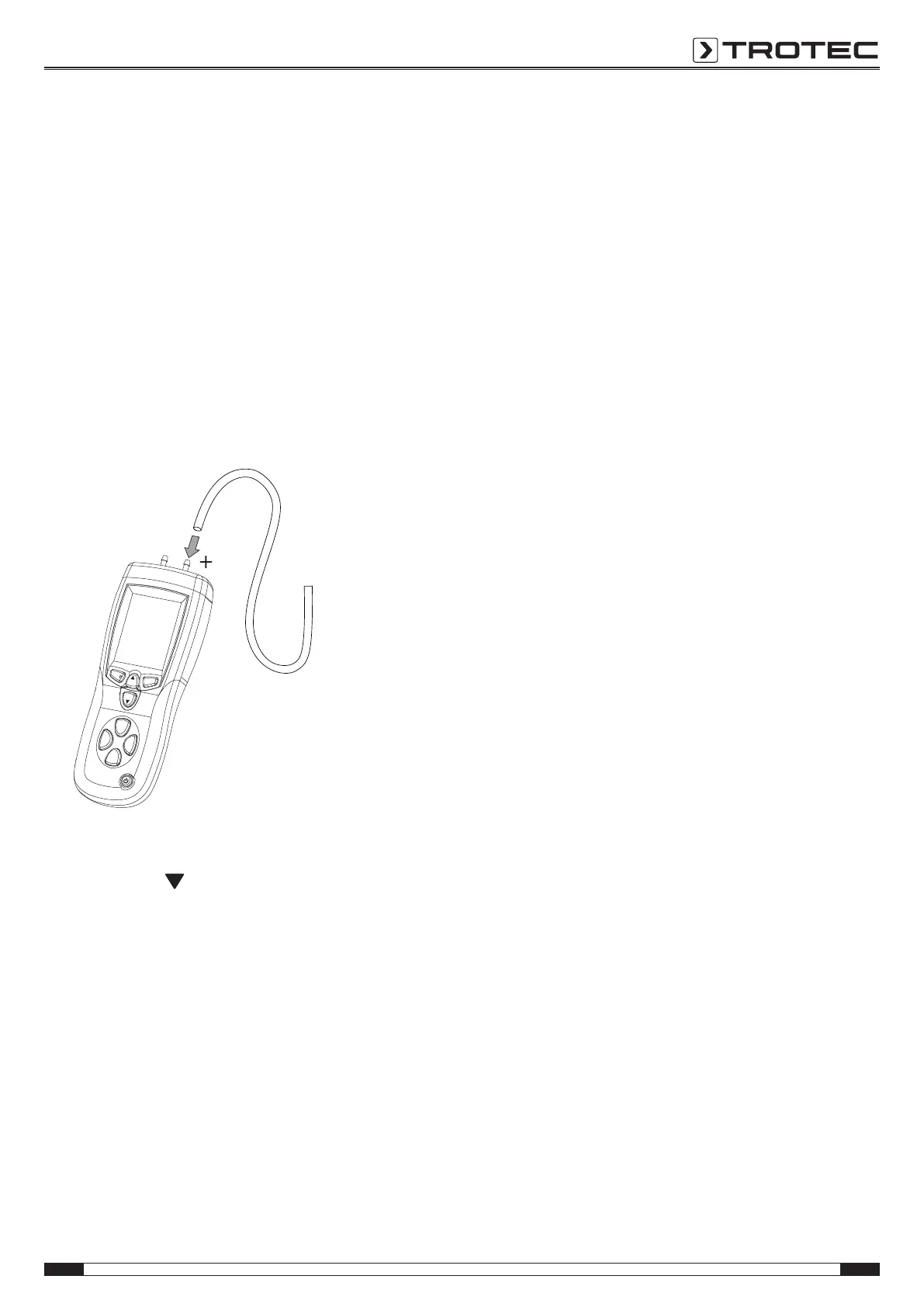
1. Connect the white tube to the +input(4).
ð The -input(15) will not be connected to a tube.
Setup
Unit
Unit
SAVE
CLEAR
Avg
Rec
HOLD
ZERO
MAX
MIN
P/V/F
2. Press the P/V/Fbutton(11) until PRESS appears in the
measuring mode display(35).
3. Press the Unit
button(13) to select the desired unit for
the measurement.
ð The selected unit appears in the pressure unit
display(33).
4. Press the HOLD/ZERO button(9) for approx. 2s to carry out
a zero point reset.
5. Position the free end of the tube in the area (zone1) the
differential pressure of which is to be determined with
regard to the measuring device (zone2).
ð The measured differential pressure value will be
indicated in the measurement value display(19).
ð A positive measured value indicates that the pressure in
zone1 is higher than in zone2.
ð A negative measured value indicates that the pressure
in zone1 is lower than in zone2.
ð The measured value 0 indicates an identical pressure in
both zones.
Note:
Additionally, you can connect the black tube to the -input(15).
Bear in mind that in that case the reference environment zone2
is equivalent to the end of the black tube, not the device
location.


 To Next Page