18
Troubleshooting guide (Combi Gas heating system)
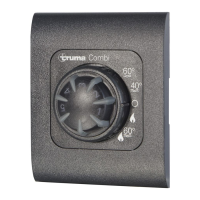
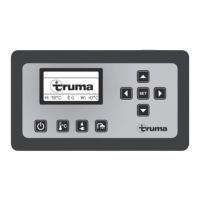
Flashing code at analogue control panel – CP Classic
Flash sequence LED:
– On / Off: 0.5 seconds
Pause between flash sequence: 5 seconds
Fault Cause Rectification
No LED is on, the unit is switched
on and is supplied with operating
current
– Automatic restart is blocked, e.g.
after an power failure.
– Reset (fault reset) by switching off, waiting 5 seconds and then
switching on again
No LED illuminates
after switching on.
– No operating voltage
– Device fuse or vehicle fuse
defective
– Check 12 V battery voltage, charge battery if necessary
– Check all electrical plug connections
– Check fuse of unit or vehicle and replace if necessary (see fuses)
The green LED comes on when the
unit is switched on, but the heating
system does not operate
– The temperature setting on the
control panel is lower than the
room temperature
– Select higher room temperature at the control panel
After switching on the heating sys-
tem, the green LED illuminates and
the yellow LED flashes 1 x
(Heating system continues to operate)
– Risk of low voltage
Battery voltage too low
< 10.4 V
– Charge battery
yellow LED flashes 2 x
(Heating system not operating)
– Low voltage
Battery voltage too low
< 10.0 V
– Charge battery. If necessary replace old battery
– Overvoltage > 16.4 V – Check battery voltage and voltage sources such as the charger
(Only with Combi E) – No 230 V operating voltage
– 230 V fuse defective
– Overheating protection has been
triggered
– Restore 230 V operating voltage
– Replace 230 V fuse
– Reset overheating protection, allow heating system to cool,
remove connection cover and press reset button
yellow LED flashes 3 x – Open window above cowl
(window switch)
– Close window






 To Next Page