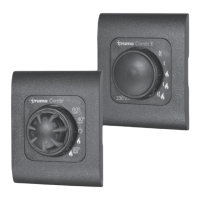
Need help?
Do you have a question about the Truma iNet Panel and is the answer not in the manual?
Details the document number's format and location.
Specifies the scope and applicability of the instructions.
Identifies the intended audience for these instructions.
Explains symbols and their meanings used in the manual.
Defines key terms and abbreviations used in the manual.
Describes the primary functions and applications of the control panel.
Outlines uses that are unauthorized and not permitted.
Lists circumstances that invalidate the appliance's operating approval.
Provides essential safety guidelines for using the appliance.
Specific safety precautions for operating the control panel itself.
Outlines responsibilities for proper appliance operation.
Guidelines for safely installing, removing, and relocating the product.
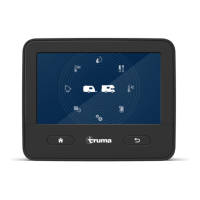
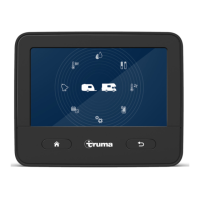
Details the touchscreen display and its function.
Describes the physical buttons and their functions.
Explains how to navigate through the control panel's menu system.
Step-by-step instructions for powering on the control panel.
Procedure for safely powering down the control panel.
Details how the control panel enters and exits standby mode.
Features and observations for using IR remote with AC systems.
Instructions for controlling the system via the Truma iNet X app.
Troubleshooting steps for when the control panel fails to power on.
Explains how error messages are displayed and resolved.
Procedures for clearing or acknowledging faults.
Guidance for resolving issues encountered with the mobile app.
Steps to download and install software updates for the control panel.
Details the terms, conditions, and coverage of the manufacturer's warranty.
Lists circumstances under which warranty claims are not valid.
Procedure for submitting a warranty claim and required information.
 General
| Power Supply | 12 V DC |
|---|---|
| Operating temperature range | -20°C to +60°C |
| Connectivity | Bluetooth |
| Compatibility | Truma Combi heaters, Truma Aventa air conditioners |
| Interfaces | TIN bus |
| Functions | Heater and air conditioner control, timer function |

 To Next Page