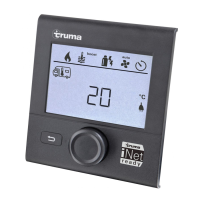
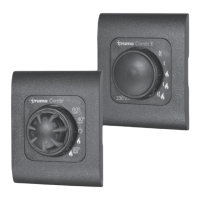
47000-00083 · 00 · 02/2021
OperationTruma iNet Panel / Truma iNet X Panel
9EN
5.4 Standby
If no entries are made for a certain time, the control
panel goes into standby mode to save power� The dis-
play is switched off�
1
2
3
60 s
60 s
1 s
5 s
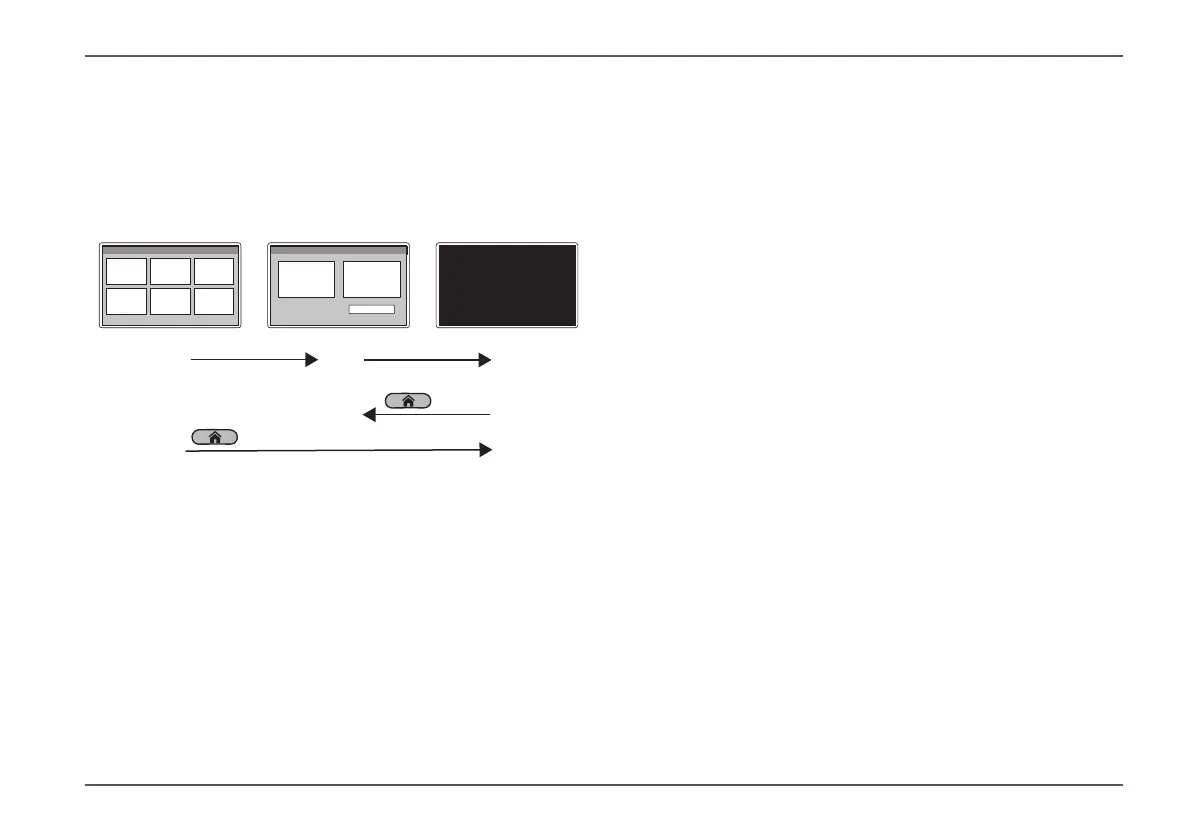
Fig� 4
1 Main menu
2 Lock menu
3 Standby mode
After 60 seconds, the display changes from the main
menu (Fig� 4-1) to the lock menu (Fig� 4-2)�
After another 60 seconds, the control panel goes into
standby mode (Fig� 4-3)� The display is off�
In standby mode, all connected heating, air condi-
tioning and other appliances remain on and continue
to operate at the settings on the control panel�
In standby mode, all connected appliances can still
be controlled by other system participants (mobile
devices)�
If the control panel is in standby mode, press the Home
button briefly to activate it�
Press the Home button briefly (1 second)
The lock menu is displayed (Fig� 4-2)�
You can also press and hold the Home button to put the
control panel in standby mode�
In the main menu, press and hold the Home button
(5 seconds)�
The control panel goes into standby mode (Fig� 4-3)�


 To Next Page