47000-00083 · 00 · 02/2021
FaultsTruma iNet Panel / Truma iNet X Panel
11EN
Up to 8 different mobile devices can be stored in the
control panel� The stored mobile devices can be man-
aged via the control panel�
Up to 3 mobile devices can be connected to the control
panel simultaneously and be used to control appliances�
Connecting a mobile device with the control
panel
Mobile devices are connected to the control panel via
Bluetooth� For this to function, the mobile device must
be within the range of the control panel�
Enable Bluetooth on the mobile device�
If you have any questions with regard to the settings
of the mobile device, contact the manufacturer�
Follow the instructions from the setup wizard on the
control panel display and the app instructions on the
mobile device�
6 Faults
Listed below are some actions that can be taken to rec-
tify faults� If these actions do not produce the desired
result, please contact Truma Service for Truma appli-
ances or the respective service department for other
appliances�
Control panel cannot be switched on.
Check 12 V power supply�
Check the fuses of the power supply in the vehicle
and replace if necessary�
Error messages
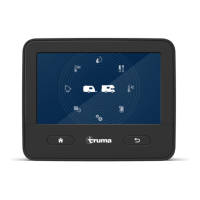
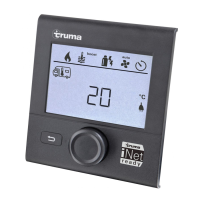
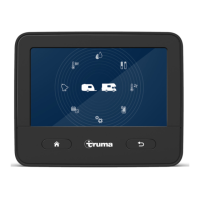
If a fault occurs in a connected appliance, this is
shown on the control panel� Solutions to rectify the
fault are suggested in the display�
Resetting faults
Follow the instructions on the display�
Acknowledge faults on the control panel�
App problems
If you encounter problems with the app, check that you
have the latest version and, if not, update it�


 To Next Page