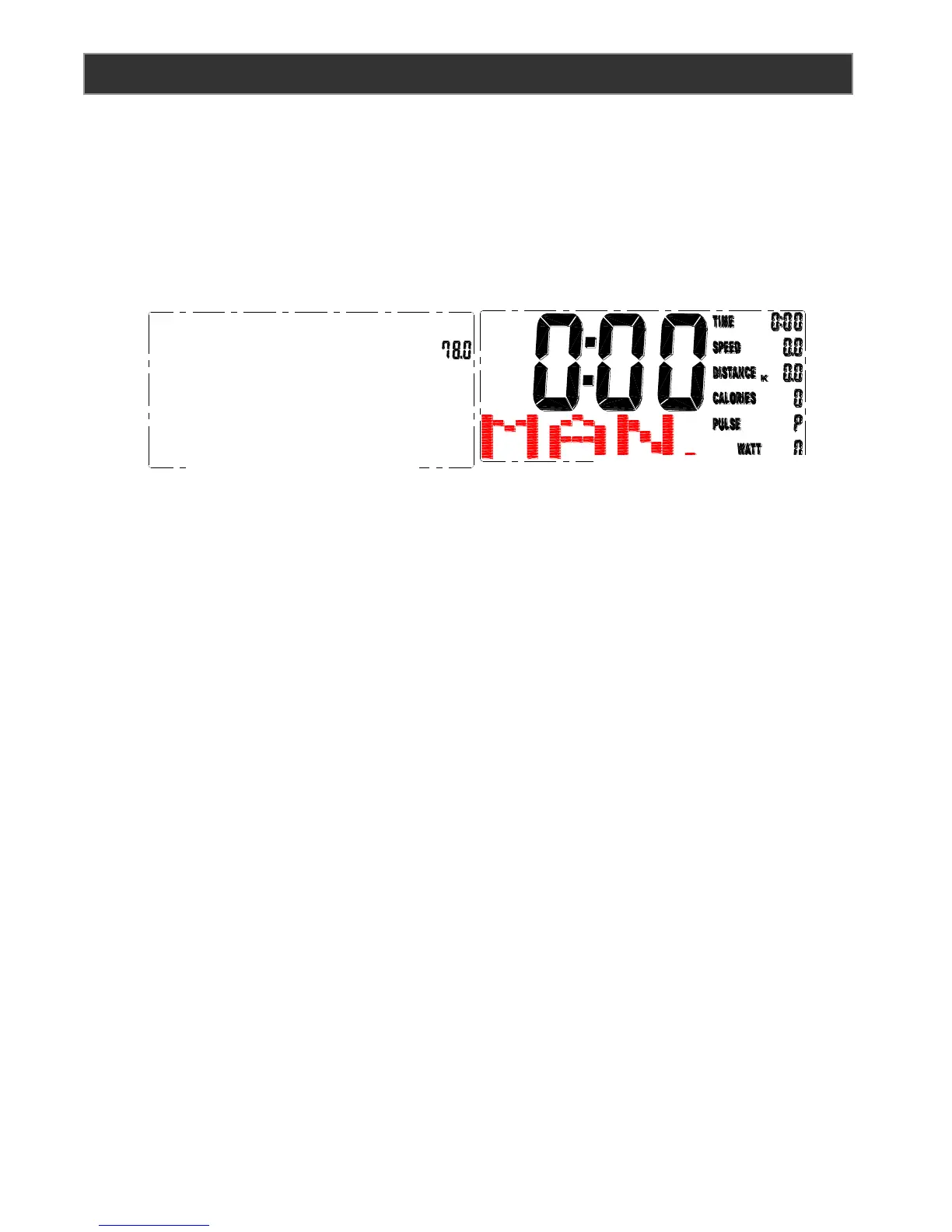
【OPERATING INSTRUCTIONS】
POWER ON
Connect adaptor to the elliptical to power on See page 11 for location. Do not use the unit for, 2
seconds after plugging in, until the unit has finished calibration. Once the unit has finished
calibration the time and date can now be set. Press the mode button then use the up and down
keys to adjust the date and time. Press the mode button to confirm each entered value.
【USER PROFILE】
Setting USER information (U1 – U4):
Note: Press total reset to return to the User Profile set up screen.
1. U1 will blink on the screen. You can choose USER profile 1 – 4 by pressing the UP or
DOWN keys.
2. Press the MODE button to enter
3. The gender setting will blink on the screen. Press the UP or DOWN keys to adjust the
gender.
4. Press the MODE button to enter
5. The age setting will blink on the screen. Press the UP or DOWN keys to adjust the age
value.
6. Press the MODE button to enter
7. The height setting will blink on the screen. Press the UP or DOWN keys to adjust the
height value
8. Press the MODE button to enter
9. The weight setting will blink on the screen. Press the UP or DOWN keys to adjust the
weight value
10. Press the MODE button to enter
11. Press start to begin the workout in manual or choose from the preset programs.



 To Next Page