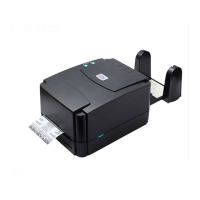
4. Disengage the printer carriage by pulling the
carriage release lever forwards.
5. Following the direction of the RIBBON label, pull
the transparent ribbon leader to the front from
under the ribbon mechanism.
6. Attach the ribbon leader to the empty paper core on
the ribbon rewind spindle (with a tape).
7. Rotate the ribbon rewind spindle until the ribbon
overlaps the ribbon leader and stretches tight.
8. Close the printer carriage.
9. Close the printer cover and press the FEED button
until the green ON-LINE LED illuminates.
Note: Please install ribbon and media
and close print head mechanism
before turing on the power. Printer
will determine direct thermal or
thermal transfer mode automatically.


 To Next Page
 Loading...