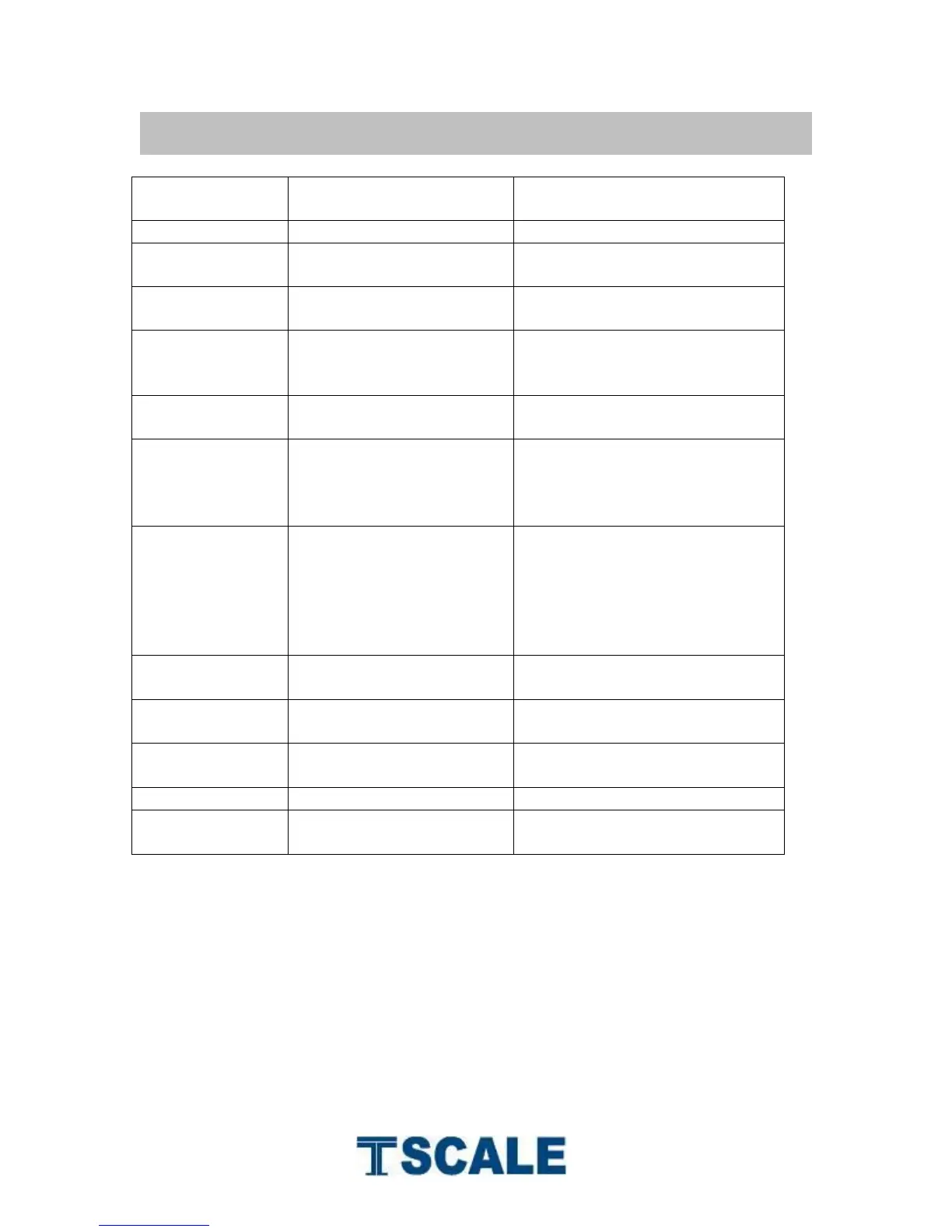
BW / CW/VW/BWS Series Indicator Technical Manual
9. ERROR CODE
Enter the date by using format
“yy;mm:dd”
Enter the time by using format
“hh:mm:ss”
Zero setting range exceeded
due to switching on.(4%max)
Make sure platform empty.
Check the keys and
connecter.
Make sure platform empty and
check the pan is installed
proper. Check the load cell
connectors.
Check any air variation,
vibration, RF noise and
touching some where.
Check the load cell and
connecters.
Remove the load and restart
scale again.
Remove the load.
Re calibrate
Check the printer and settings
Re charge battery, check the
voltages.


 To Next Page