BW / CW/VW/BWS Series Indicator Technical Manual
7. CALIBRATION
To set calibration, turn on the scale.
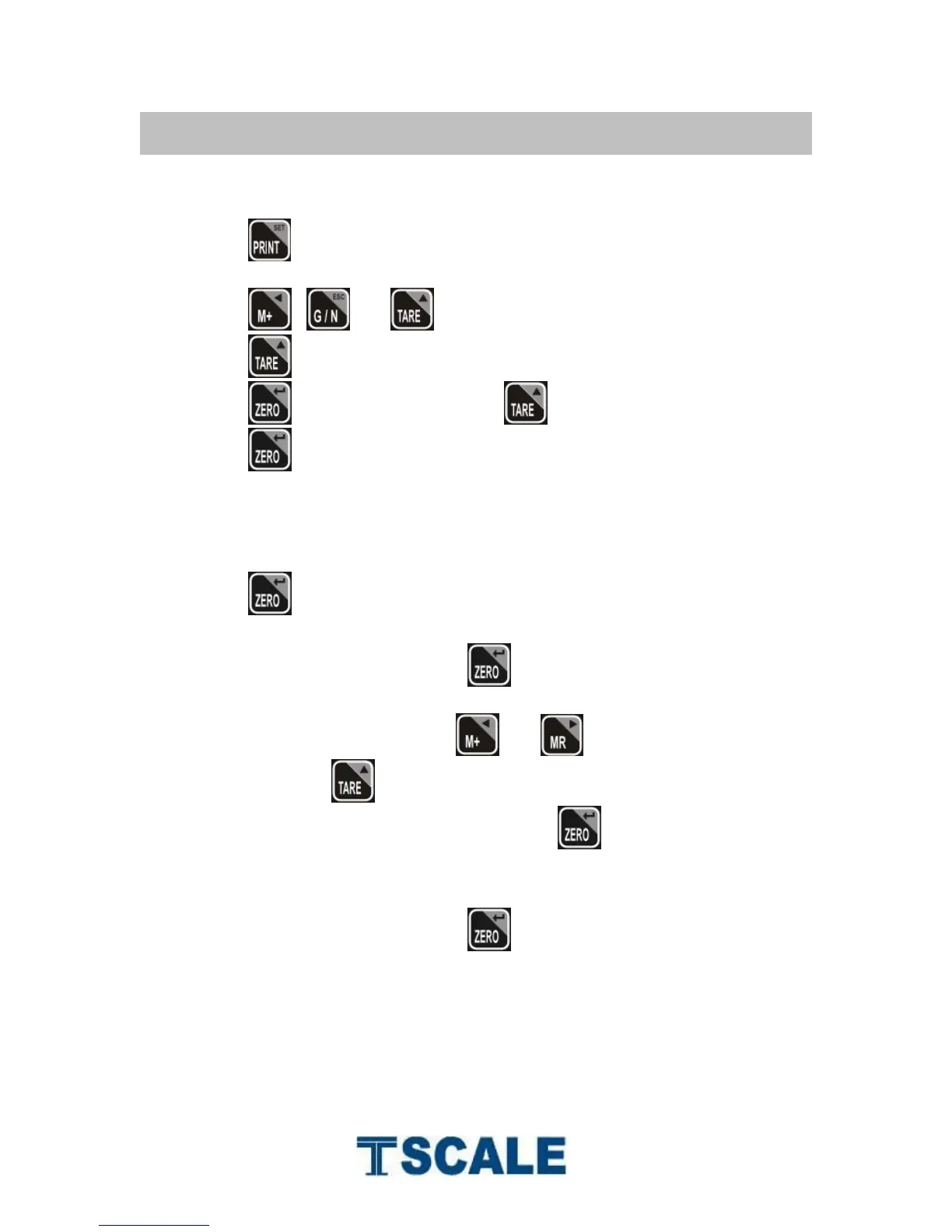
Press key during the self checking.
Display will be show pn
Press , and to enter, display will be show po chk
Press until display will be show p 2 cal
Press key to confirm and press to select cal
Press key to confirm
Calibration Cal
Press key to enter calibration, display will be show unld
Remove all the weight from the platform.
When indicator get stable, press key to confirm.
Display will be show the last calibration weight. If want to change the
calibration weight value, press and keys to change the active
digits and press key to increment the value.
When the calibration value is correct, press key to confirm.
Display will be show load
Place the calibration weight on the platform.
When indicator get stable, press key to confirm.
Display will com to normal weighing mode


 To Next Page