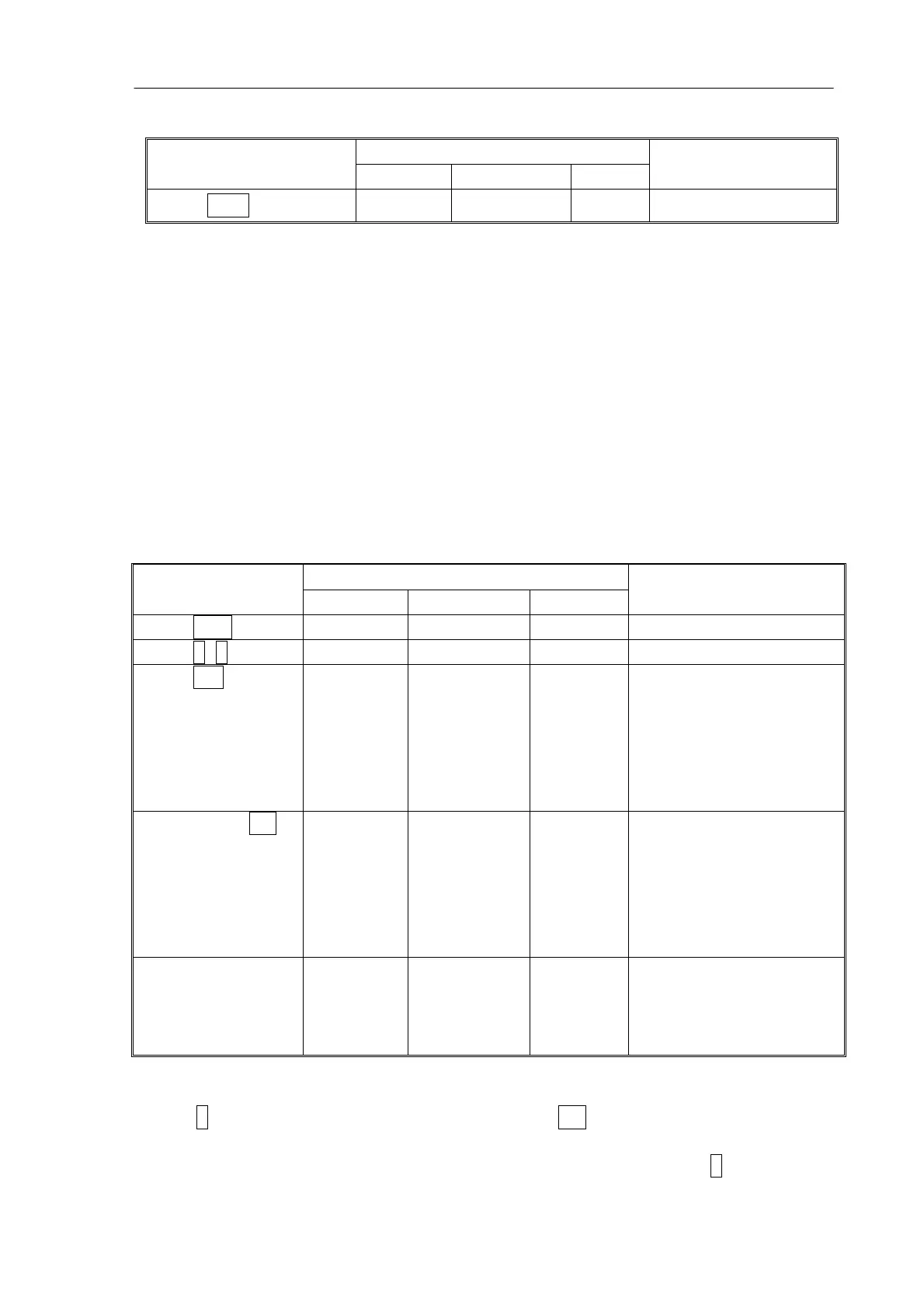
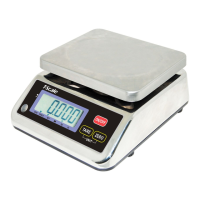
JC series dual counting scale user’s guide
- 13-
6.4.1 STORING PLU’S MANUALLY
DISPLAYS ACTIONS
Weight Unit weight Count
REMARKS
Press Zero if required.
“00000” “ 0“ “ 0“
The scale is zeroed.
Note:
Enter or determine the Tare Weight when a container is to be used (see section 6.2 of
this User Manual). If a Tare value is used, the scale will be in the NET mode.
Enter or determine the Unit Weight as described in section 6.3.1 and 6.3.2 of this User
Manual.
The Tare and Unit Weight to be stored can be either taken from a weighing in process
or by manual entry of data.
Please find below an example for setting up “PLU 27” with Description as “M4 Nut”
and Unit weight of “0.015”.
DISPLAYS ACTIONS
Weight Unit weight Count
REMARKS
Press PLU
“PLU ”
“ - -“ “ “ -
Press 2, 7
“PLU ” “ 27”
“ “ -
Press Pst
“PLU 27”
“x x x x x x” “x x x ” The current description
will be shown with the
first character flashing.
The flashing digit can
be changed using the
numeric keypad.
Pressing the CE
key when the first
character is
flashing will clear
all the
descriptions.
“PLU 27 ”
“ “ “ “ -
Continue to enter
characters until
description is
complete.
“PLU 27 ”“M 4 Nut“ “Brass “
12 characters in
total spreading over
both the displays (UNIT
WEIGHT and COUNT).
Note:
Use the . key to go back to the previous digit or the M+ key to advance to the next
character.
A flashing character can be used for entering a space by pressing the 0 key for
slightly longer duration.


 To Next Page