JC series dual counting scale user’s guide
- 20 -
SECTION10 CALIBRATION
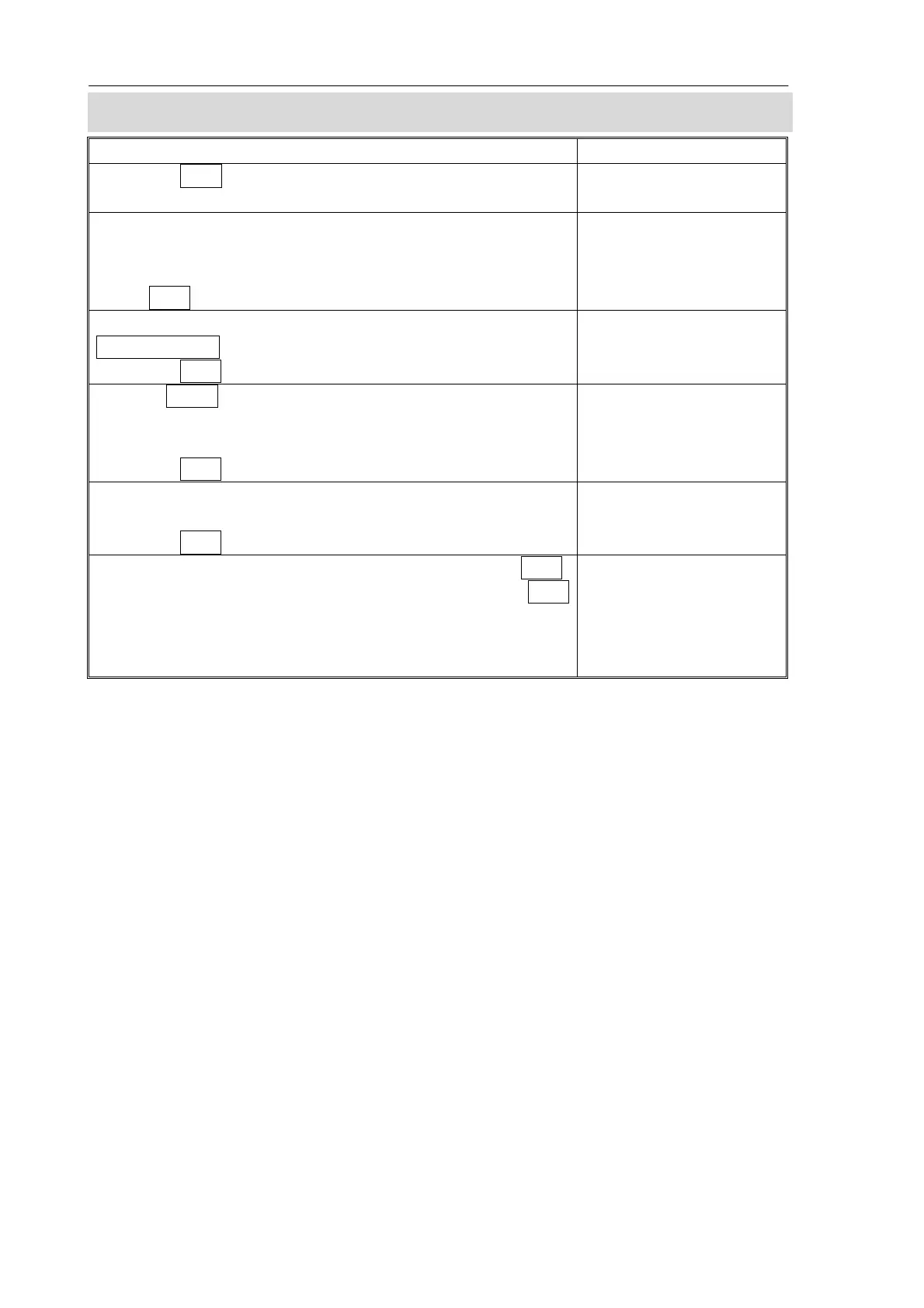
ACTION DISPLAYS
Press the Zero key during the self-test at power on. The
scale will ask to enter the password.
“ Pi n”
Default Password is 9999.
Enter “9” four times.
Password can be changed in technical parameters.
Press Tare.
“ Pi n” “ ----”
Select the scale to be set up by using the
Local/Remote key.
Press the Tare key to enter the technical section.
“tEch” “ LocAL” “ “
“tEch” “rEmo tE” “ “
Use the Smpl. to select the weighing unit to be used for
setting the calibration for the scale. The arrow in the
“Weight” window will indicate the unit selected.
Press the Tare key to continue.
“tEch” “ Uni t” “ “
You will enter Calibration. Display will ask to unload any
weight on the platform. After “STABLE” indicator on,
Press the Tare key to continue.
“Un L o Ad”
Enter the calibration weight to be loaded and press Tare.
Load the calibration weight onto the scale and press Tare
again.
The Calibration is complete, the scale will run the self-test
during which the weight should be removed.
“SEL” “ 0010”
“Lo Ad”


 To Next Page