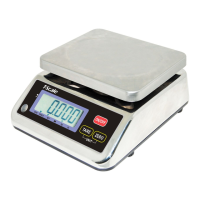
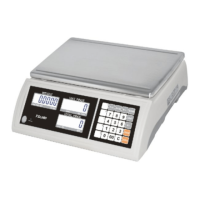
JC series dual counting scale user’s guide
- 16 -
SECTION7 PARAMETERS
The parameters are split into 2 sections, one for the managers and the other one for
Technical.
7.1 USER PARAMETERS
Enter the User Parameters section by pressing the Pst key during the self-test when
the power is turned on. This will allow the user to set the way he wants the scale to
work by choosing specific values from some options.
Press the Smpl key to scroll through the other parameters. To enter any parameter,
press the Tare key.
Press Smpl to scroll through the sub-parameters. To see the earlier setting, press the
Tare key. To change and scroll through the other available settings, press Smpl . To
choose the desired setting and thereby go back to the sub-parameter, press the Tare
key.
To return to the parameter, press the Zero key.
7.2 PARAMETER SETTING TABLE
PARAMETER
SUB-
PARAMETER
DISPLAYS AND SETTINGS
“bEEP" "oFF"
Beeper is set to off
“bEEP" "on I n "
Beeper is set to on between
limits
bEEP
“bEEP” "on oUt”
Beeper is set to on outside
limits (when weight less than
min capacity, checkweighing
function will not available
“LitE" “"oFF"
Backlight is set to off
“LitE" "on"
Set to on at all times
EL
“LitE" "AUt"
Set to work automatically when
a weight is placed on the scale
or a key is pressed.
“UnI t” ” KG Lb”
Kg/Lb both are enabled
”UnI t” “KiLo”
Kg only is enabled
Un I t
”UnI t” “Lb”
Lb only is enabled
F1 oFF
of
/// /
0351530 Set auto power off time.
0/3/5/15/30 minutes
F2 Prt
P Mo dE Print
Au oFF Prints only when the
Auto-Accumulation is set to off.
Au on Prints only when the
Auto-Accumulation is set to on.


 To Next Page