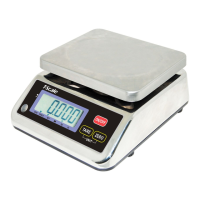
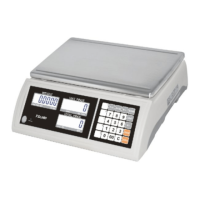
JC series dual counting scale user’s guide
- 23-
Press the Smpl to go to next menu. Press Tare to
enter
Use Smpl to select the division which you would like
the display to increment in followed by Tare.
“div” weighing division.
“inc 5”
Press the Smpl to go to next menu, use Tare key to
enter.
Use Smpl to increment the values then Tare.
“Azt” Autozero tracking
range.
Select from 0.5d 0.5d, 1d, 2,
4,d
Press the Smpl to go to next menu, use Tare key to
enter.
Use Smpl to increment the values then Tare.
“0 Auto” Zero auto range at
power on.
Select form 0%, 2%, 5%, 10%
or 20%
Press the Smpl to go to next menu, use Tare key to
enter.
Use Smpl to increment the values then Tare.
“0 manl” Zero manual
range.
Select form 0%, 2% 2%, 4%,
10%, 50% or 100%
Press the Smpl to go to next menu, use Tare key to
enter.
Enter the new PIN number and press Tare
Confirm the new PIN number and press Tare
“Pin” Password number for
“tEch”.
“Pin1”
“Pin2”
“donE”
Press Smpl to continue or escape the parameters
with the Zero


 To Next Page