16 www.ttfone.com
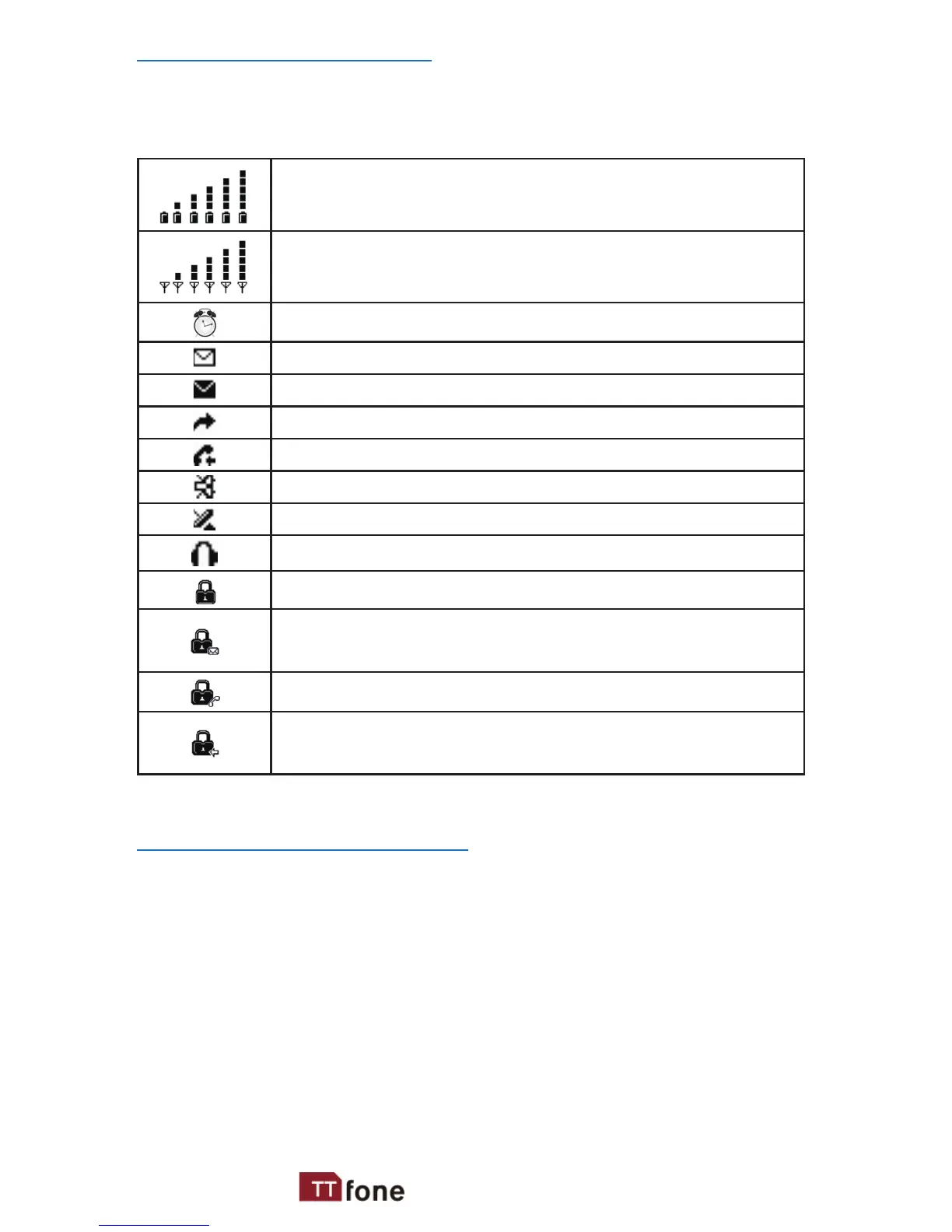
Icons on the Screen
The following icons may be displayed on the
screen.
Battery Status
Network Signal Status
Alarm
Unread Message
Message Memory Full
Call Transfer (For ward)
Missed Call
Silent Mode
Roaming
Headset is Connected
Keypad is Locked
New Message Indication in Locked Keypad
Mode
Missed Call Indication in Locked Keypad Mode
New Message and Missed Call Indication in
Locked Keypad Mode
Volume Adjustment
During a normal or hands-free call connection,
press and hold up/down navigation key to
increase/decrease the volume.



 To Next Page