10 www.ttfone.com
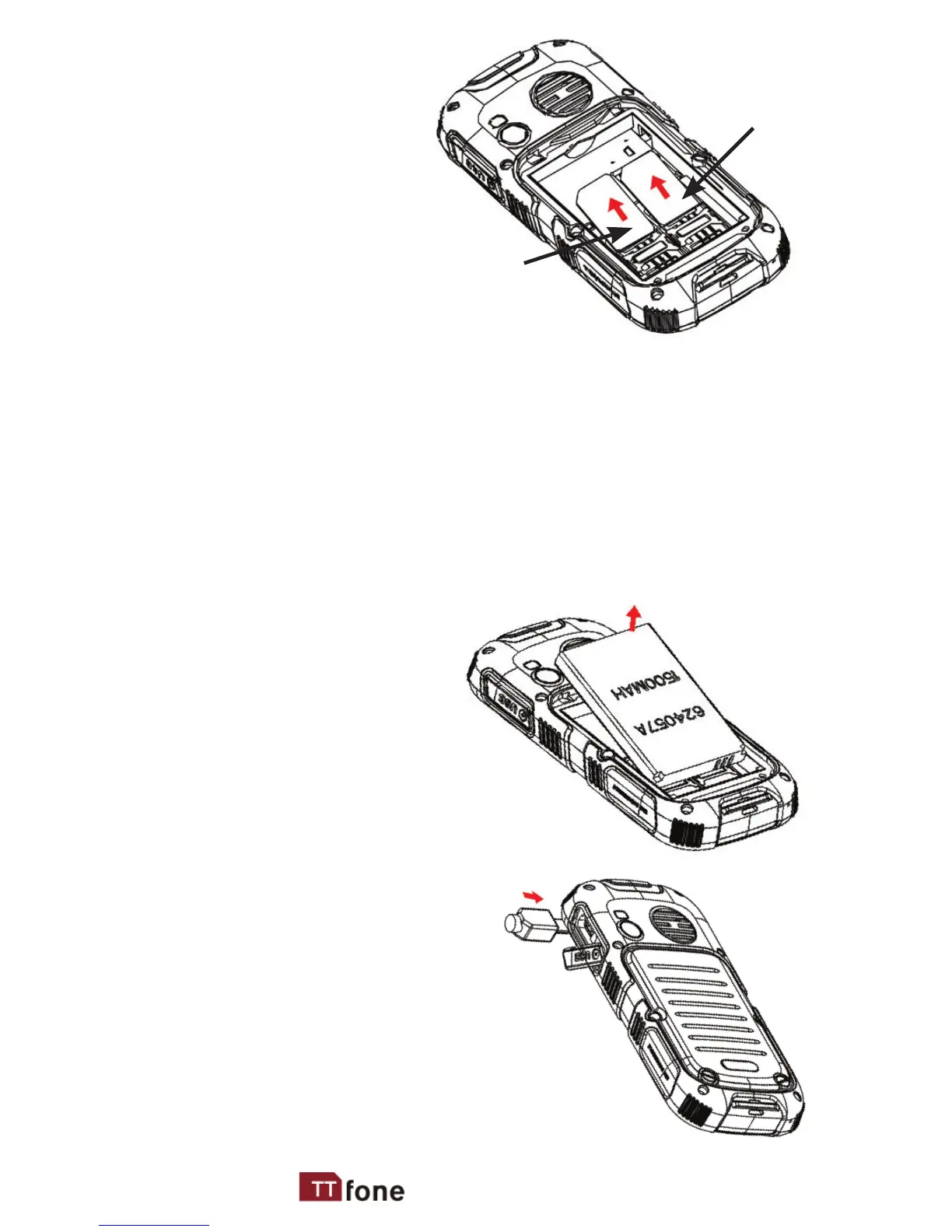
card by sliding
it into its nest
(SIM1) and under
the metal holding
plate. Ensure the
angled corner is
on the upper left
hand side. (To
remove the SIM
card, gently press on it and slide it out of its
nest.) You can install a second SIM card into
SIM2 slot – Please note you can only use a
standard SIM card not a Micro or Nano SIM.
You can install a microSD memory card into
the slot above SIM1 slot.
3. Install the battery
into the battery slot,
ensuring that the
three metallic stripes
on the battery
align with the three
metallic prongs in
the battery slot.
4. Put on the battery back
cover. Ensuring the
cover is completely closed
using provided screw.
5. Plug the phone in to charge it
fully.
SIM 1
SIM 2



 To Next Page